UNDO & REDO
After Undo, Can Redo Recover a Stroke If I Paint Again?
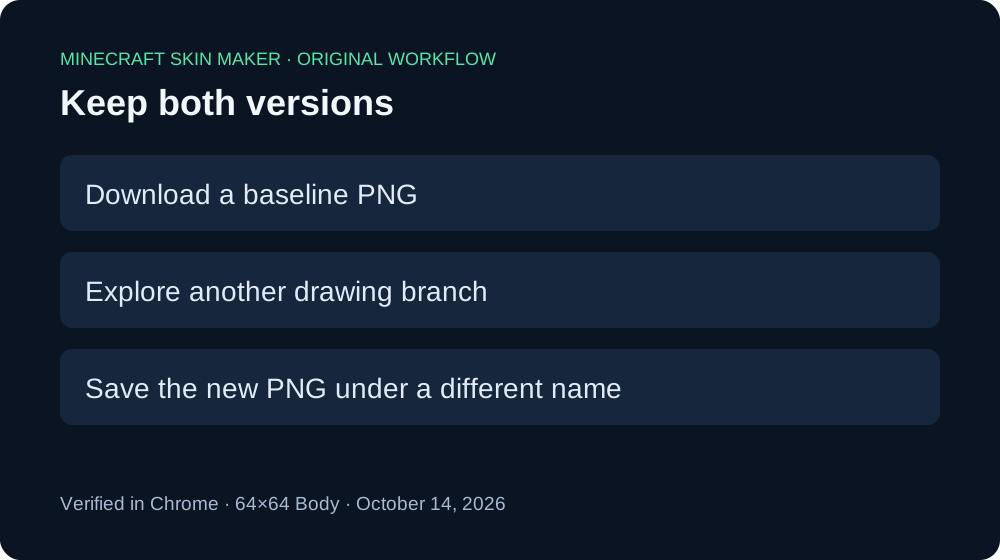
Redo can restore an undone stroke if you use it before drawing again. In our Minecraft skin maker test, painting a new stroke after Undo disabled Redo and replaced the recoverable branch. Download a backup before exploring another version if you want to keep both.
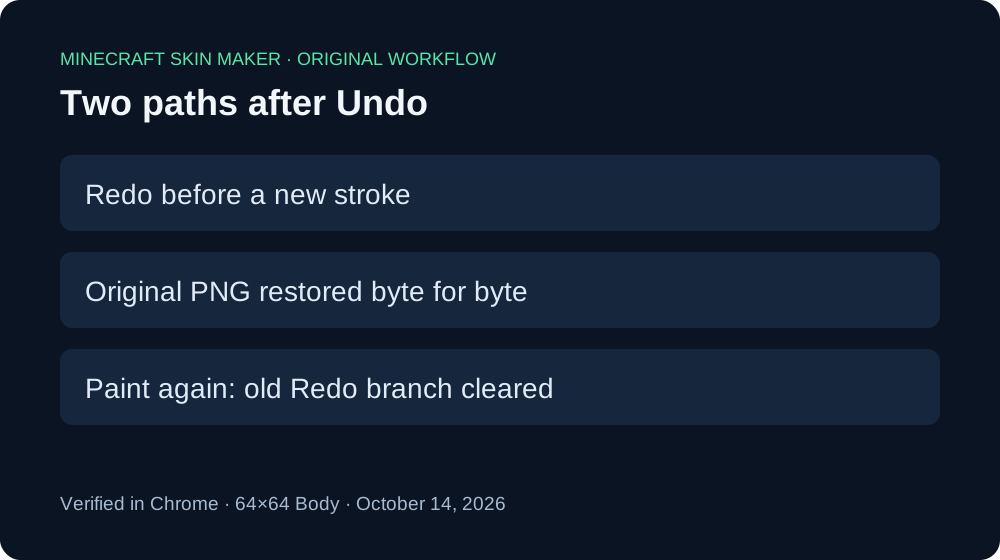
Two paths, four real downloads
We ran this check in Chrome on October 14, 2026, using the live editor, a blank 64×64 canvas, Body, a 1 px Pencil, color #59E6A8, 100% opacity, and Mirror off. Each stroke was a separate click. We decoded the downloaded PNGs rather than judging a tiny mark against the checkerboard.
First we painted pixel 30,31 and downloaded the result. Its only nontransparent pixel was RGBA 89,230,168,255. Undo made Redo available. Clicking Redo restored the drawing; the second downloaded file had the same SHA-256 hash as the first. This was byte-for-byte recovery in this session, not just two similar-looking previews.
For the other path, we clicked Undo again. Redo was available at that point. We then painted a different valid Body pixel, 32,30. Redo immediately became disabled. The new download contained only pixel 32,30, with RGBA 89,230,168,255; the original pixel 30,31 was transparent. The fresh stroke did not bring the earlier mark back.
Finally we undid the fresh stroke and downloaded once more. That fourth PNG had no nontransparent pixels. Redo became available again, but this was now the branch containing the fresh stroke. Undoing the new work did not restore the old recovery option.
| Path | Nontransparent pixels | Result |
|---|---|---|
| Original stroke | 30,31 | Saved baseline |
| Undo → Redo | 30,31 | Byte-identical to baseline |
| Undo → fresh stroke | 32,30 | Redo disabled |
| Undo fresh stroke | None | Blank canvas |
All four files retained 64×64 dimensions. Original PNG · Direct Redo PNG · Fresh stroke PNG · Undo fresh stroke PNG. The measurement record includes full hashes and decoded coordinates. Our screenshots placed the clicks at slightly different positions from the original plan; these are the actual decoded positions.


This test covers two single-click Body strokes in one browser session. It does not establish history survival after refresh, every brush behavior, other browsers, or game compatibility. The editor's public script also clears its future-history stack when it saves a fresh edit, consistent with the button states and downloads we observed.
How to keep both versions
- Download the version you want to preserve before clicking Undo.
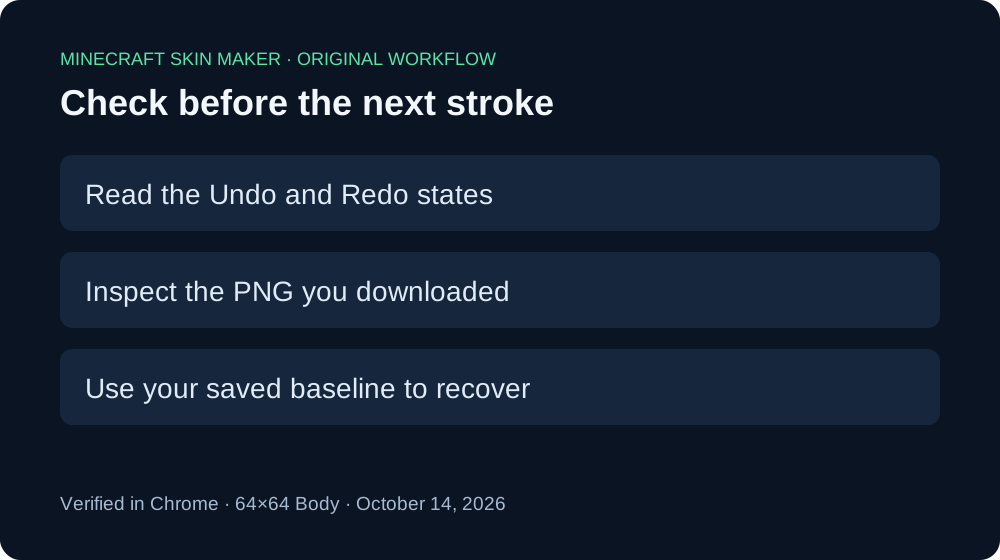
- If you undo accidentally and want that stroke back, use Redo before making another edit.
- If you want to explore a different drawing, keep your baseline PNG outside the editor first.
- Download the new version under a distinct filename and compare the files before discarding either.
Quick answers
Why is Redo grey after I draw again?
A fresh drawing action starts a new edit branch. In this editor, the earlier future branch is cleared. The grey button is a reason to check your saved backup, not to keep clicking it.
Will Undoing the new stroke recover the older one?
In our measured sequence, Undo returned to the blank canvas. Redo then referred to the new stroke. We did not recover the original stroke through that sequence.
Does changing opacity restore an undone pixel?
Opacity configures subsequent drawing. Our separate opacity test distinguishes slider changes from pixel edits. Use a saved PNG or the available history action to recover artwork.
For a mistake involving the selected pass, see painting on the wrong layer. For overlapping light strokes, see repeated-stroke opacity. Each guide addresses a different editing decision.