REPEATED STROKES & OPACITY
Does Painting the Same Pixel Twice Increase Its Opacity?
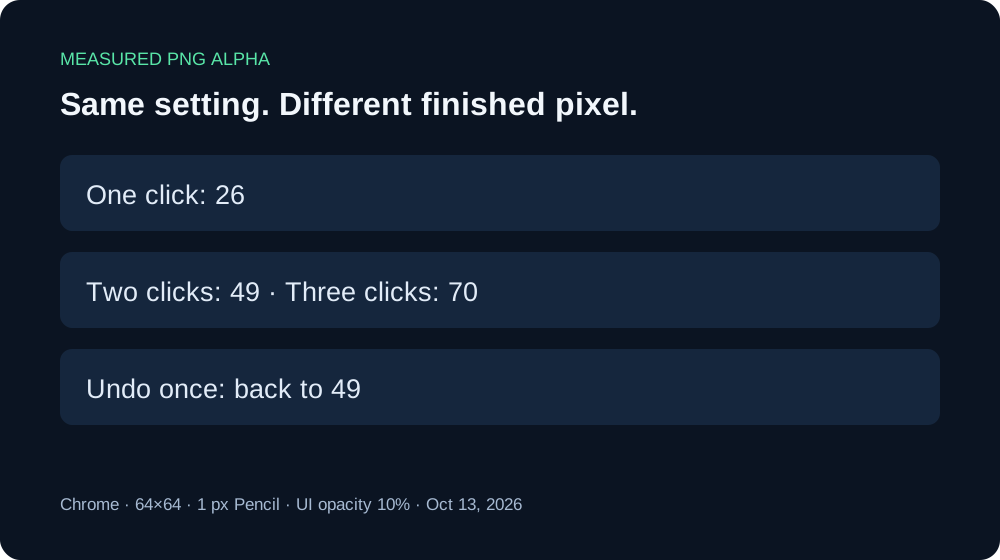
Yes, in our measured Minecraft skin creator test. With Opacity set to 10%, a 1 px Pencil, and the same color and pixel position, the downloaded alpha channel increased from 26 after one click to 49 after two and 70 after three. A low-opacity setting does not lock the finished pixel to that setting when you paint over it again.
What happened after each click?
On October 13, 2026, we opened a blank 64×64 canvas in Chrome. We selected Body, Pencil, a 1 px brush, color #59E6A8, and the slider’s 10% setting. Mirror was off. We clicked pixel 31,31, downloaded the PNG, then repeated at that same location and downloaded after each separate click.
| Download | RGBA | Alpha |
|---|---|---|
| One click | 88,226,167,26 | 26 |
| Two clicks | 88,224,167,49 | 49 |
| Three clicks | 87,222,164,70 | 70 |
| Undo once | 88,224,167,49 | 49 |
Each valid sample contained one nontransparent pixel and retained 64×64 dimensions. Undo after the third click returned a PNG byte-identical to the second-click download. The RGB channels also varied slightly, so we do not claim repeated painting preserved the exact original color channels.
Download the originals: one click, two clicks, three clicks, Undo once. The results JSON records coordinates, RGBA, dimensions, and file hashes.


We initially clicked outside a permitted Body drawing area and obtained an empty PNG. That attempt was excluded before this sequence. We checked the actual downloaded pixel before repeating the valid click; an available Undo button alone was not evidence of a painted pixel.
Why can a light brush build up?
The editor’s public app.js uses the selected opacity in its fill color when painting each pixel. Our downloads demonstrate that another click can change a pixel that is already partly opaque. Treat Opacity as a drawing setting, not a promise that every final pixel will have the same alpha after overlapping work.
The values above are measured, not an estimated series. We have not tested a continuous drag, every opacity setting, imported skins, other browsers, or acceptance by Minecraft. Do not extrapolate these three clicks into an exact formula for all strokes.
How can I keep a stroke light?
- Preserve a PNG before you work on an area you want to keep.
- Choose the drawing layer, color, brush size, and opacity before painting.
- Try one click in a valid transparent area, then download and inspect it.
- Avoid extra clicks over that pixel if you want to retain that first-click result. If you repaint, inspect the new download.
What if I accidentally painted twice?
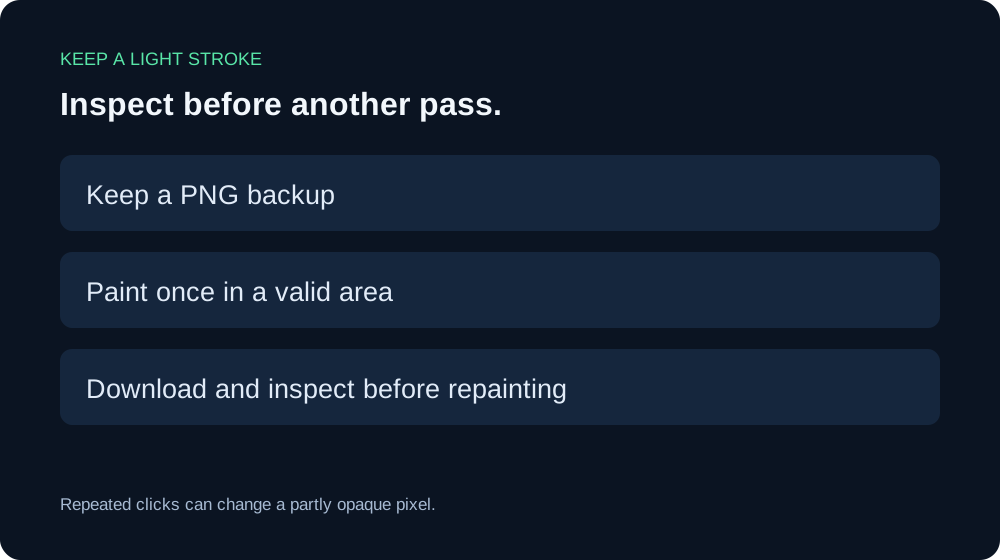
Use Undo while the relevant edit remains available, then download and compare the recovered result with your earlier backup. In our small test, one Undo after the third click restored the exact second-click file. This does not prove history survives a refresh or a new browser session.
Moving the opacity slider alone is a different action. Our existing-pixel opacity test found that lowering it without drawing did not fade the previous pixels. For removing artwork, see the separate Eraser and Clear Layer guide; do not assume a lower Pencil opacity acts like an eraser.