OPACITY & PAINTED PIXELS
Does Lowering Opacity Change Pixels I Already Painted?
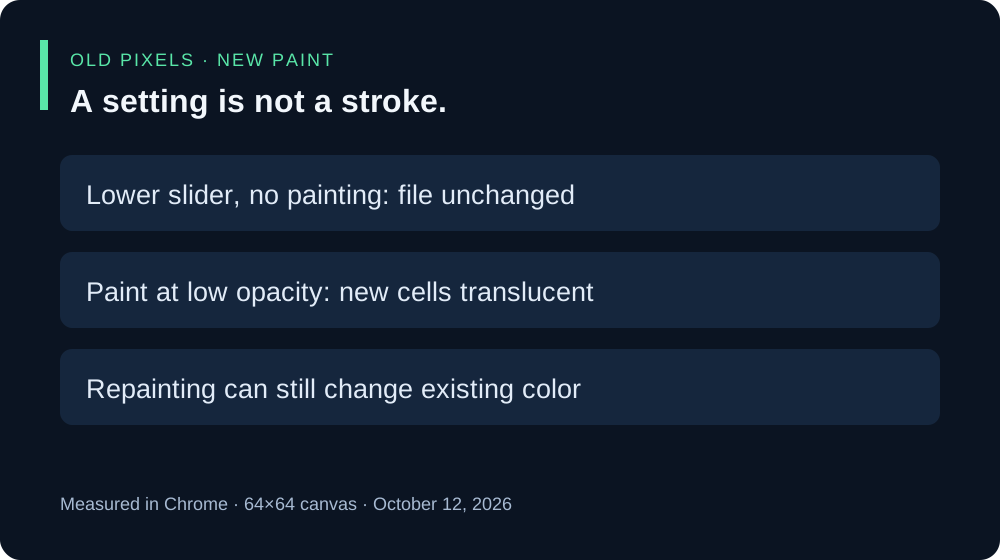
No. In this Minecraft skin creator, lowering Opacity sets the drawing opacity for subsequent painting; it does not automatically fade pixels already on the canvas. We painted a pixel, downloaded it, lowered the slider without drawing, and downloaded again. Those two PNG files were byte-identical. A later low-opacity stroke added translucent pixels instead.
- Make your next strokes translucent — set Opacity before drawing.
- Change artwork already painted — moving this slider alone is not that operation.
- Check the measured downloads — inspect the original files and alpha values.
What changed in our downloaded PNGs?
On October 12, 2026, we tested the live editor in Chrome using a blank 64×64 canvas. With Body selected, Pencil, a 1 px brush, color #59E6A8, and the Opacity readout at 100%, we painted at coordinate 32,31. The first PNG contained that pixel with RGBA values 89,230,168,255.
We lowered Opacity to the interface’s 10% setting and downloaded again without drawing. The complete file hash was unchanged, and that pixel retained its original RGBA values. Then we increased the brush to 2 px and clicked the same location to include neighboring, previously transparent cells. The new cells had alpha 26 in the decoded PNG; the old pixel still had alpha 255.
| Action | Old pixel alpha | New pixels |
|---|---|---|
| Paint at 100%, download | 255 | One painted pixel |
| Slider to 10%, no painting | 255 | None added |
| Paint at 10% with 2 px brush | 255 | Three cells with alpha 26 |
Alpha is the transparency channel recorded in these files. We report the decoded channel values rather than treating the slider label as a measurement of every finished pixel. The later stroke overlapped the original pixel: its RGB values changed slightly to 88,229,167 while alpha stayed 255. The byte-identical result applies to the slider-only step, not to repainting.
Inspect the evidence yourself: initial painted PNG, slider-only PNG, low-opacity stroke PNG, and coordinates, RGBA values, and SHA-256 hashes. All three PNGs were 64×64. This small test does not cover every imported image, brush setting, browser, or game upload.


How to make your next strokes translucent
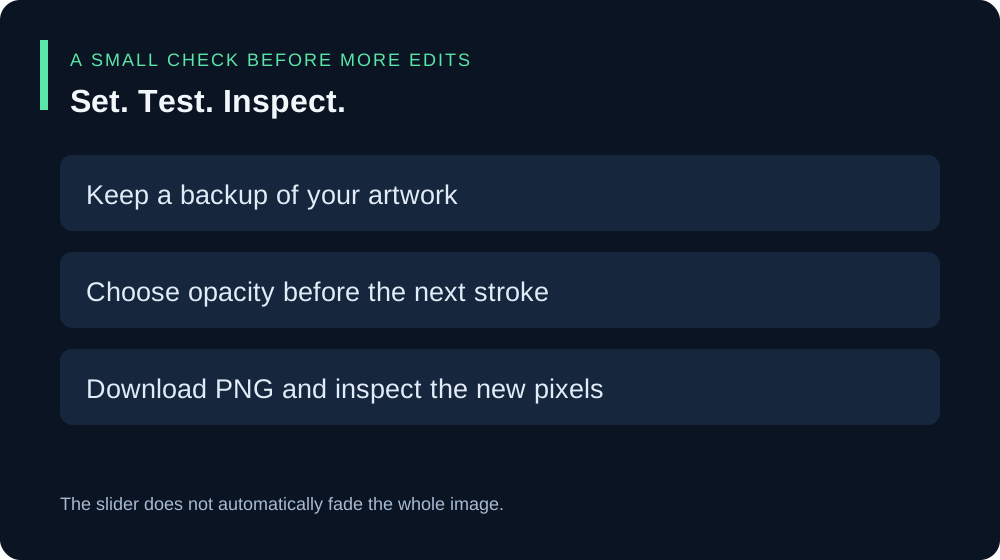
- Download a copy of work you want to keep.
- Select the intended drawing layer and Pencil.
- Lower Opacity before painting, then try a small stroke in a transparent area.
- Download the PNG and inspect that new area. Compare the saved pixels, not only their appearance against the editor background.
Drawing over existing pixels is a painting operation. It can change their color even if it does not reduce their alpha, as the overlapping pixel in our test shows. This article does not measure the effect of repeated strokes; do not assume each stroke simply replaces the finished alpha with the slider value.
How do I fade artwork I already painted?
Moving this editor’s Opacity slider alone did not fade existing artwork in our test. Its current public script reads the slider when painting a stroke; the slider’s input handler updates the displayed value. There is no whole-canvas transparency transformation in that handler.
If you want to replace a recent stroke with a lighter one, preserve a download first, use Undo while that edit is still available, choose the lower opacity, and redraw carefully. If you need to fade an entire existing image, keep the original PNG and use an operation explicitly intended to change existing pixel or layer opacity. We have not tested a whole-image fade workflow in this editor.
Why might my new stroke not appear?
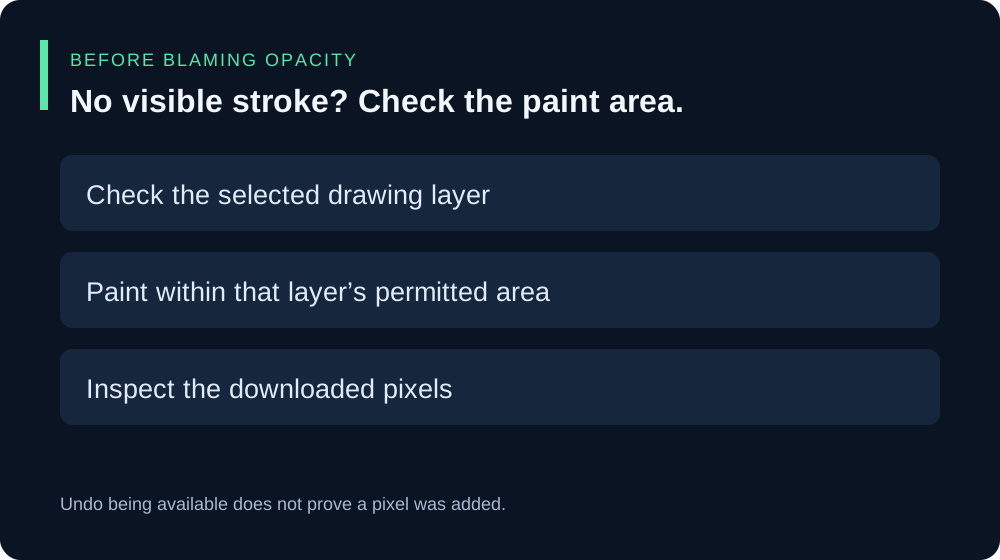
Check the selected layer and the area you are painting. Our first attempted test clicked outside the selected layer’s permitted area and produced an empty PNG; we discarded it and repeated the test on a valid Body area. An enabled Undo button alone did not prove that pixels had been added. Inspect the downloaded content before blaming opacity.
Is this like hiding the pixel grid or changing zoom?
Those are different controls. Our pixel-grid test and canvas-zoom test check display controls. Opacity participates in painting new pixels. A slider movement and a paint action need separate checks.