CANVAS & EXPORT GUIDE
Does Canvas Zoom Change My Exported PNG Size?
No: Canvas zoom changes the editor’s display size, while Download PNG exports the current canvas pixels. In our October 10, 2026 test of this Minecraft skin creator, the same blank 128×128 canvas exported a 128×128 PNG at both 5× and 14× zoom. The downloaded files were byte-identical. This test covers that blank canvas and those settings; it does not establish Minecraft game compatibility.
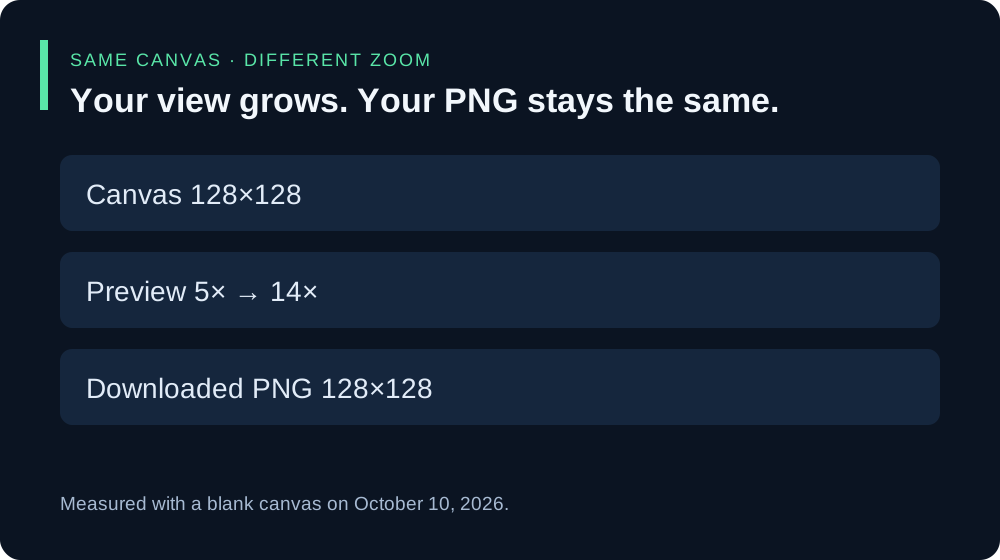
What we actually downloaded
We opened the live editor, selected 128 under Start, moved Canvas zoom to its low setting, and downloaded a PNG. We then moved only zoom to its high setting and downloaded again. We inspected each file’s PNG header for width and height and compared SHA-256 hashes, rather than trusting the download name.
| Canvas | Zoom readout | PNG header |
|---|---|---|
| 128×128 | 5× | 128×128 |
| 128×128 | 14× | 128×128 |
The two blank PNGs had the same SHA-256 hash: 21ce948a52bc322850af6db91df262d16ab3f9bb31899df554da6ef382cc2123. Matching width and height establish the dimensions in this test; the matching hash also shows the complete files were identical. We did not test painted or imported skins in this comparison.
Why a larger preview can still produce a small PNG
The editor has separate controls for starting canvas size and viewing zoom. Its current public script applies zoom to the canvas’s CSS display width and height. The download handler creates the PNG from the canvas itself. Zoom does not assign new canvas pixel dimensions in that code path.
The preview also has display-size limits in the current script. Moving the zoom slider therefore need not make the visible canvas grow in exact proportion to its label. Use zoom to make editing comfortable; use the Canvas readout and the downloaded file’s dimensions to check pixel size.
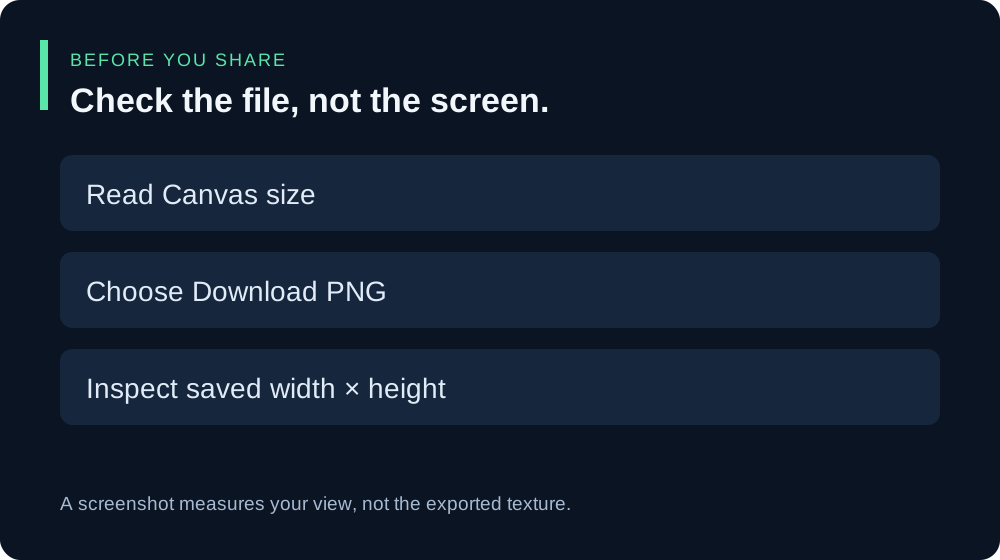
How to check your own export
- Read Canvas in the Start and Layer panel before exporting.
- Adjust Canvas zoom until you can see individual cells comfortably.
- Choose Download PNG. Open the saved file’s properties or an image inspector and read its width and height.
- If the dimensions surprise you, compare them with the Canvas readout. A screenshot of the editor measures the screen view, so use the actual PNG download for this check.
Can I make a higher-resolution skin by increasing zoom?
No. Increasing zoom alone does not add canvas pixels. The blank-size buttons under Start select a canvas size; they are a different operation from preview zoom. If you already have work you want to keep, download a copy before starting another blank canvas. This guide does not test switching blank sizes with existing artwork.
Why does the PNG look different in another image viewer?
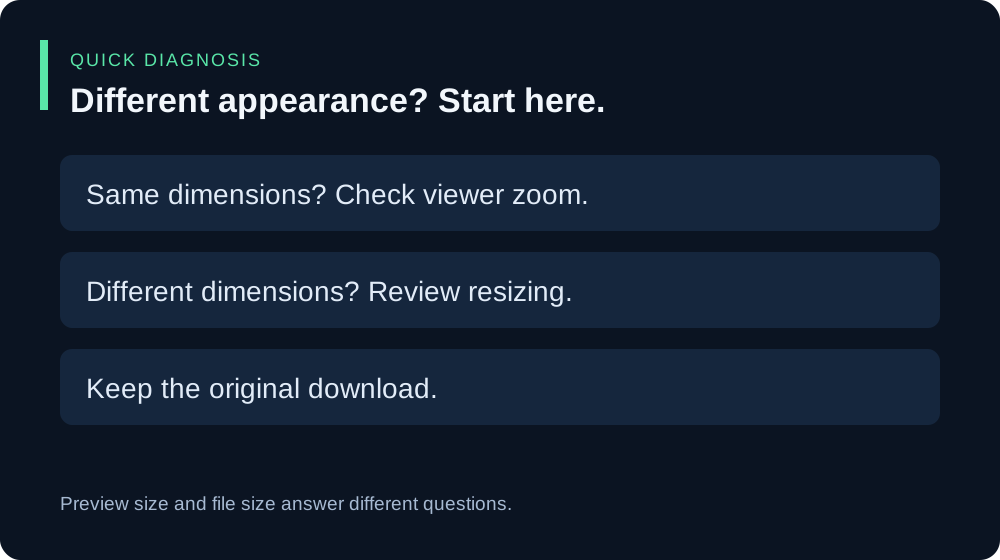
First compare the file’s width and height. Another viewer may fit the image to its window or apply its own display scaling. That can change how large pixels look without proving that the PNG dimensions changed. If width and height differ, keep the original download and investigate any resize or conversion step separately.
Keep input size and game acceptance separate
Our PNG input-size guide describes the sizes listed by this editor. A successful export here does not establish that a Minecraft edition or another upload service accepts the file. Check that destination’s requirements before replacing a skin you use.