PIXEL GRID & EXPORT
Does the Pixel Grid Appear in My Downloaded Minecraft Skin PNG?
No: the Pixel grid switch is a viewing aid in this Minecraft skin creator. In our October 11, 2026 test, a 64×64 canvas with a painted pixel produced identical PNG files with the grid on and off. The downloaded pixel data matched, and the files had the same SHA-256 hash. Leave the grid on if it helps you draw; inspect the downloaded PNG if you need to check whether a line is actual artwork.
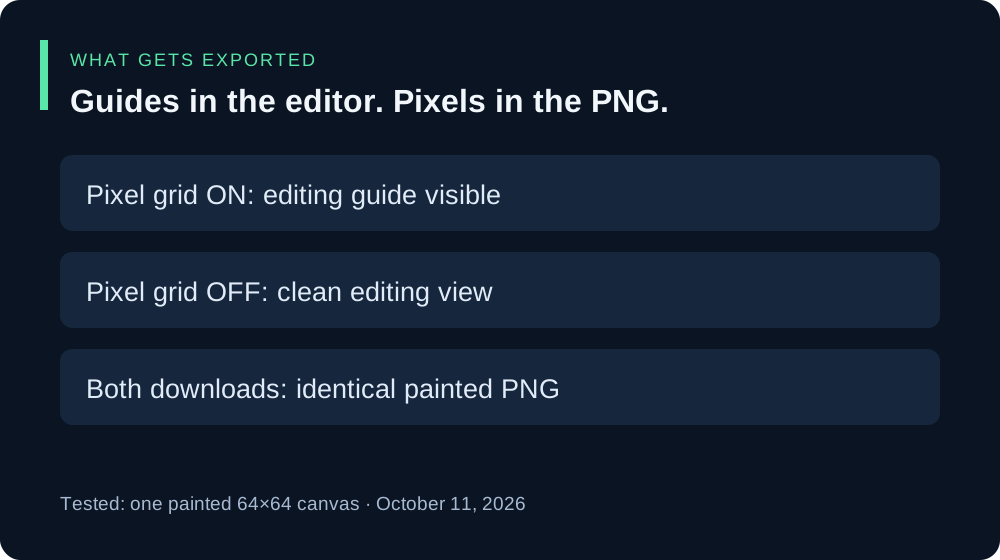
The grid-on and grid-off download test
We opened the live editor in Chrome with its blank 64×64 canvas, selected Overlay, and used Pencil to paint at the displayed coordinate 32, 32. Brush size was 1 px and opacity was 100%. The saved PNG contained one nontransparent pixel with RGBA values 89, 230, 168, 255, matching the selected color #59E6A8.
With Pixel grid checked, we chose Download PNG and kept the file. We then unchecked only Pixel grid and downloaded the same artwork again. We inspected both PNG headers, decoded them to RGBA pixels, and compared the full files.
| Pixel grid | PNG size | Nontransparent pixels |
|---|---|---|
| On | 64×64 | 1 |
| Off | 64×64 | 1 |
Both decoded images had the same pixels, and both file hashes were 3e49f0db3ea9e36e6b055a7316e140f50450ead54d1d0ae50335f3b457744670. No grid lines were added to the exported image in this test. This was a simple painted-canvas check, not a test of every imported skin, canvas size, browser, or game upload.
You can inspect the original files: grid-on PNG, grid-off PNG, and recorded dimensions, pixel values, and hashes. The images are mostly transparent, so they may look empty until enlarged against a contrasting background.


Why the grid disappears from the saved file
The current public editor script toggles a grid-on class on the canvas frame. The stylesheet uses that class to show line backgrounds in the editor view. The download handler creates a PNG from the canvas pixels with canvas.toBlob. It does not take a screenshot of the styled editor.
That implementation agrees with the two real downloads above. It explains this editor’s behavior; it does not establish how another skin editor exports its guides.
What if I still see lines in my PNG?
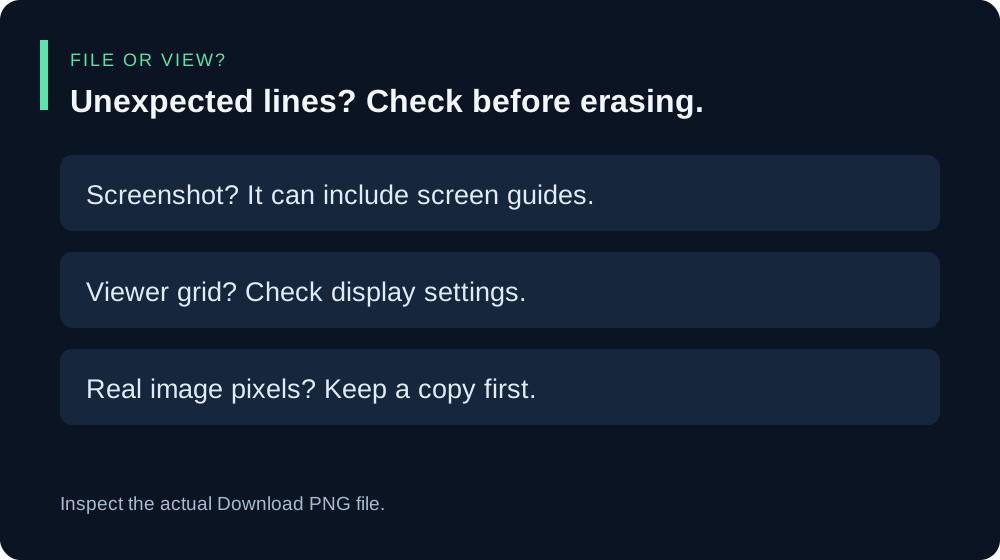
Open the actual file from Download PNG. If you saved a screenshot instead, it includes the displayed editor and can include its grid. A screenshot is a different output from the exported texture.
If the actual PNG has lines, check whether your image viewer is drawing its own grid. Then inspect the image pixels. A line that exists in the decoded file data is part of that file, so turning this editor’s Pixel grid switch off will not erase it. Keep a copy and inspect it before using Eraser or Clear layer.
A checkerboard behind an image may be a transparency display. Our exported test files were transparent apart from the painted pixel, as confirmed by their alpha values. Judge your own file by its pixels rather than assuming every background pattern is exported artwork.
A safe workflow before you share
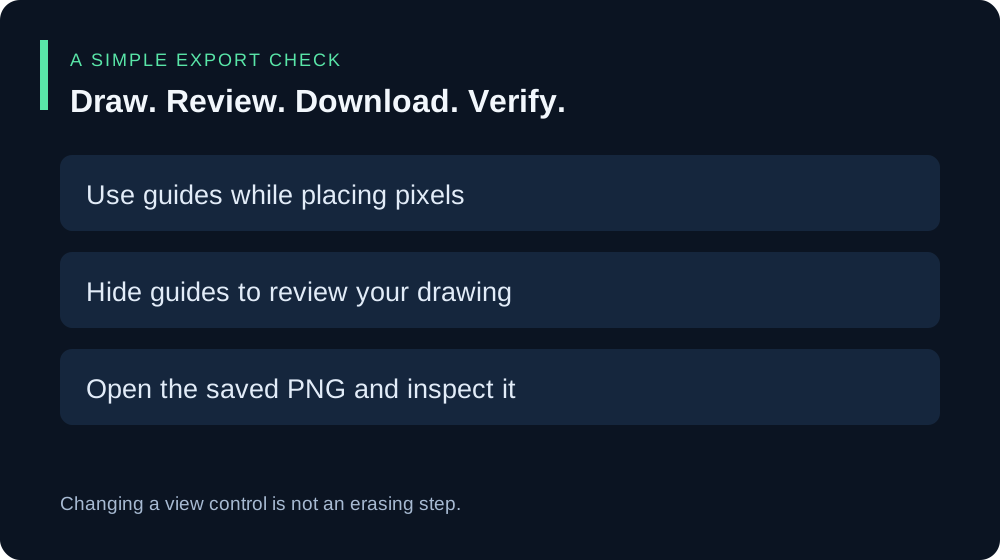
- Keep Pixel grid on while it helps you place pixels.
- Uncheck it for a clean look at the artwork in the editor. This is a viewing check, not an erasing step.
- Choose Download PNG and open that saved file in an image viewer.
- Check the file’s width, height, and actual content before sharing it or attempting a game upload.
Do I have to turn the grid off before downloading?
Not for the exported result in our test: the grid-on and grid-off PNGs were byte-identical. Turn it off when you want to review your work without guides. Keep the distinction between a visual preference and a change to image pixels.
Does hiding the grid change the resolution?
The two test downloads were both 64×64. Pixel grid and Canvas zoom are separate view controls. See our canvas zoom export test for an independent download comparison at different zoom settings, or the PNG input-size guide for the sizes listed by this tool.