LAYER SELECTION & HISTORY
Does Switching Body and Overlay Add an Undo Step?
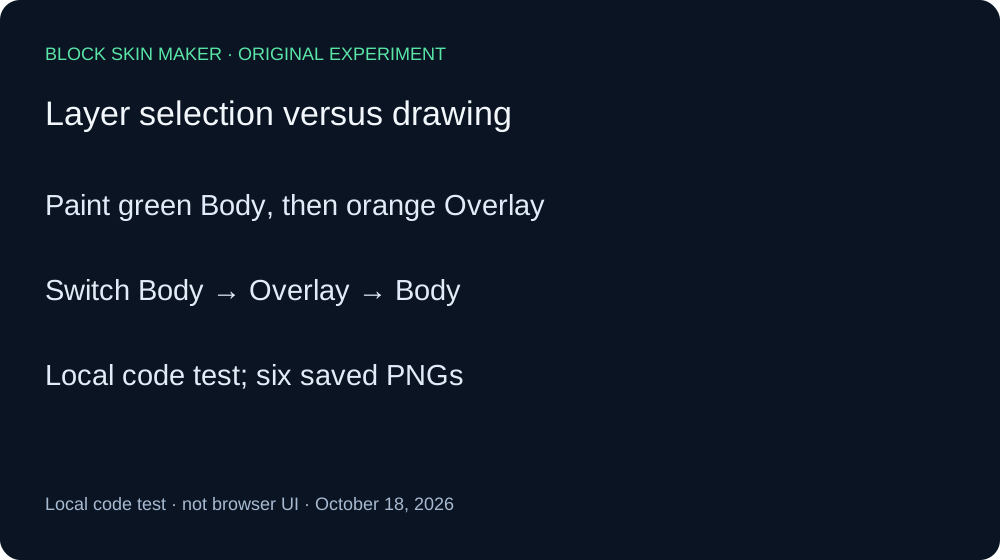
In our local test, switching Body → Overlay → Body did not add separate Undo steps. One Undo immediately removed the latest painted stroke, even though it was on Overlay and Body was currently selected. Redo restored the exact baseline PNG. Treat Undo as drawing history, and check the image after using it.
Six saved stages from one local sequence
On October 18, 2026, we ran the current editor script without changing its source. Its bytes matched the public production app.js. A minimal DOM adapter connected the original event listeners to a real native canvas engine. This is a local code experiment, not a browser interaction recording. The files were encoded by the native canvas and decoded independently with Pillow.
We began on a blank 64×64 texture with a one-pixel Pencil, full opacity, and Mirror disabled. We selected Body and painted green at 30,10, then selected Overlay and painted orange at 33,10. The baseline therefore contained two separate strokes and two opaque pixels. Their RGBA values were 89,230,168,255 and 245,182,101,255.
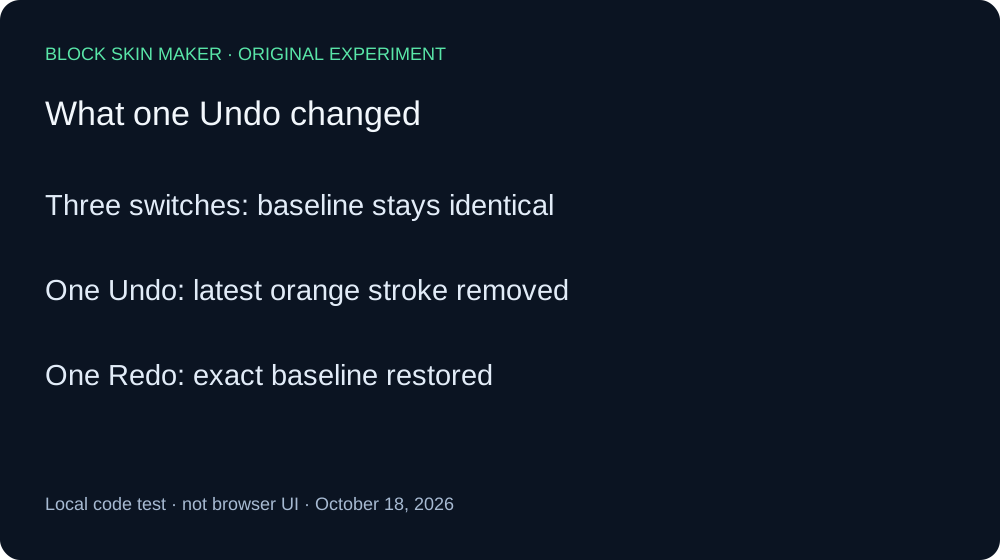
From that baseline we selected Body, then Overlay, then Body again. We saved a PNG after every selection. All three files had the exact same SHA-256 hash as the baseline. Undo stayed enabled and Redo stayed disabled throughout these three switches. The selected-layer status changed, while the image contents did not.
The decisive action was one Undo immediately after the third switch. It removed the orange point at 33,10, leaving the green point at 30,10 unchanged. Although Body was selected before Undo, the operation reversed the latest painted stroke, which had been on Overlay. It did not require three preliminary Undo actions to pass through the three layer selections. In this measured sequence, those selections did not occupy separate Undo steps.
We then invoked Redo once. Both points returned, and the PNG hash exactly matched the original baseline. Redo was available after Undo and disabled after Redo. This recovery control helps distinguish a history result from a failed or missing paint action in the adapter.
| Stage | Green Body point | Orange Overlay point |
|---|---|---|
| baseline | Present | Present |
| switch-body | Present | Present |
| switch-overlay | Present | Present |
| switch-body-again | Present | Present |
| undo-after-switch | Present | Absent |
| redo-after-switch | Present | Present |


The independent decoder checked every nontransparent coordinate, all four RGBA channels, image dimensions, and file hashes against the raw measurement ledger. No stage changed canvas size. The three selection-only files and the Redo file matched the baseline byte for byte; the Undo file held exactly one green pixel. These are file-level comparisons, not visual guesses from a scaled preview.
Download the raw ledger and reproduction script. We tested one two-stroke sequence with three layer switches. We did not test browser controls, touch interaction, imported textures, every size, every tool, or game rendering. The result does not mean that all controls are excluded from history, or that Undo is limited to the currently selected layer.
Recover the intended stroke
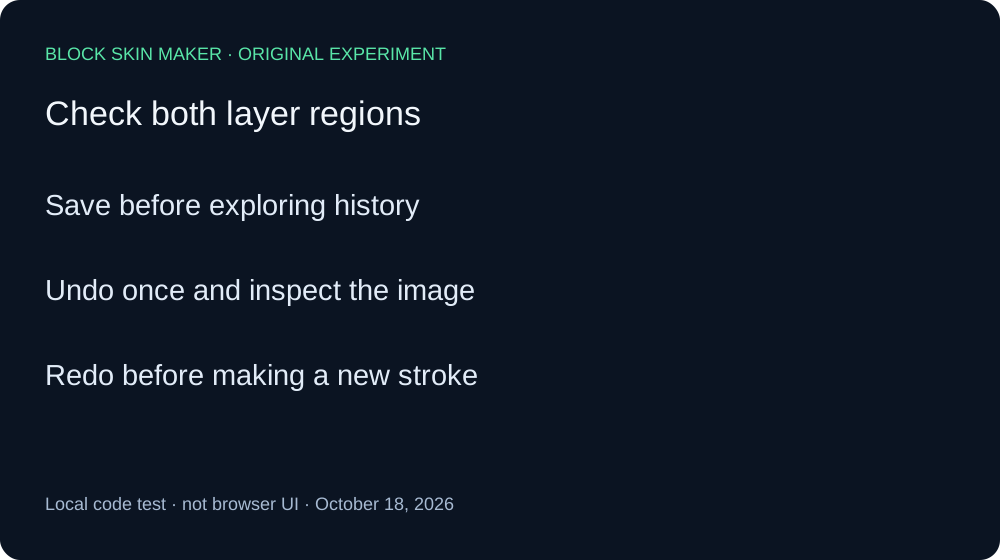
- Save your current PNG before exploring history.
- Remember the last drawing action, including its layer.
- Use Undo once and inspect both layer regions.
- If it removed the wrong action, use Redo before drawing again.
Quick answers
Does selecting Body make Undo affect only Body?
It did not in this test. With Body selected, Undo removed the latest Overlay stroke. Layer selection and history target are different concerns in this sequence.
Did switching layers modify the texture?
The three selection-only PNGs were byte-identical to the baseline. No pixel changed in those samples.
Does this prove every control leaves history alone?
No. Our Clear Layer experiment records a reversible image operation. Our blank-size test records a different reset path. Keep these tested actions separate.