CLEAR LAYER & RECOVERY
Can Undo Recover a Cleared Body or Overlay Layer?
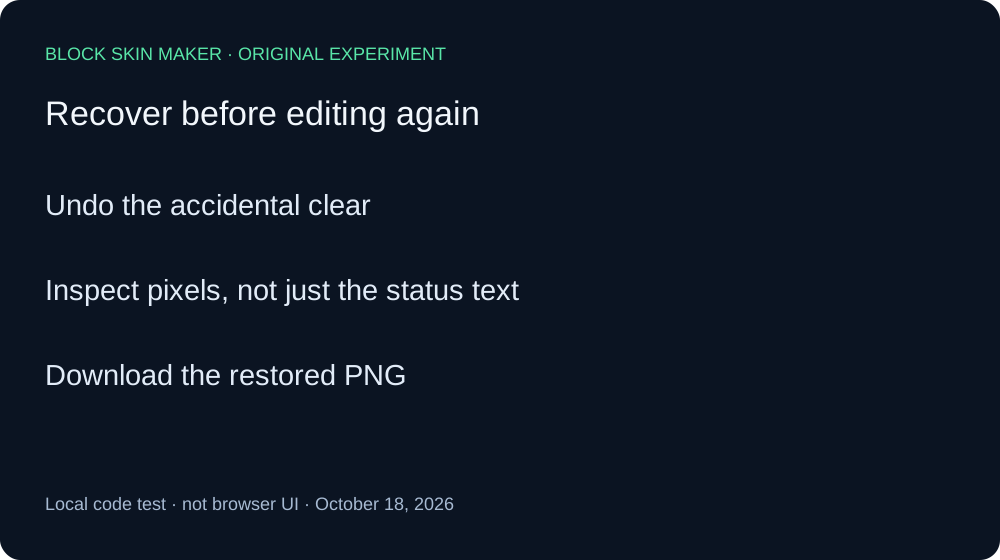
Try Undo immediately after an accidental Clear Layer. In our local test of the current Minecraft skin maker code, Undo restored the exact two-color baseline after clearing either Body or Overlay. Redo repeated the selected-layer clear. Save a PNG backup before experimenting; this result covers the measured sequence below.
Seven PNGs: two layer choices and their history
On October 18, 2026, we executed the unmodified production editor script with a real native canvas raster engine. A minimal DOM adapter invoked its original pointer, layer, Clear, Undo, and Redo listeners. This is a local code experiment, not a Chrome session or a browser download test. Before the run, the script was checked against the public production file.
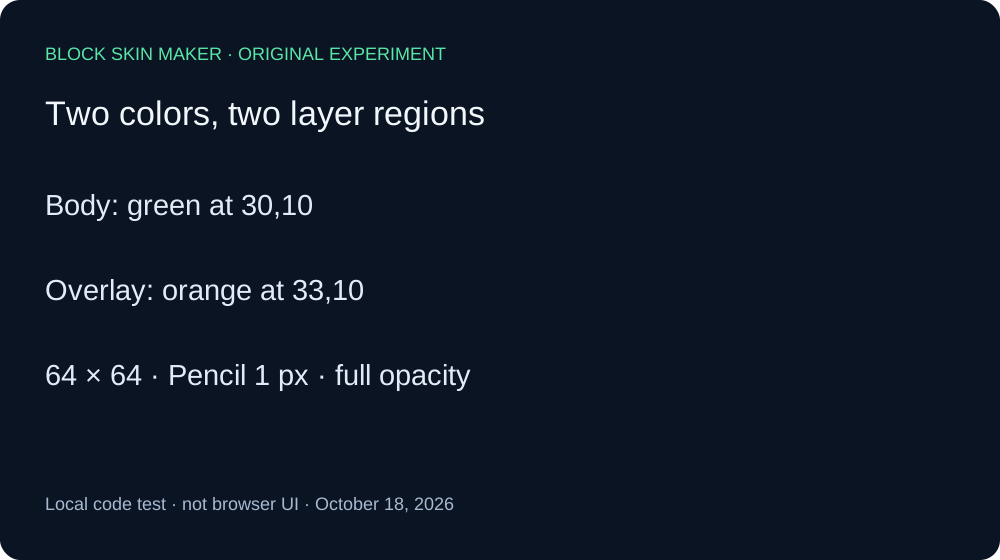
Our baseline was a blank 64×64 texture. With a one-pixel Pencil, full opacity, and Mirror off, we painted a green Body pixel at 30,10 and an orange Overlay pixel at 33,10. The two opaque values were RGBA 89,230,168,255 and 245,182,101,255. We chose distinct colors and coordinates so that a remaining pixel could be identified without relying on the layer label.
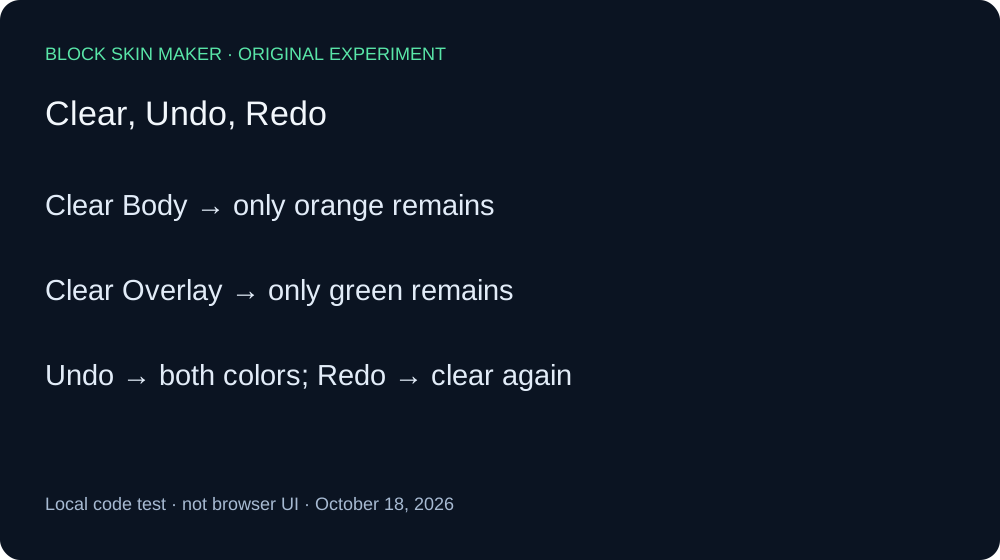
First we selected Body and invoked Clear. The green pixel disappeared; the orange pixel remained unchanged. Undo restored both pixels. Its encoded PNG was byte-identical to our saved baseline, not merely visually similar. Redo then returned the same single orange pixel, with exactly the same hash as the first Body-cleared file. We invoked Undo again before starting the second branch.
Next we selected Overlay and repeated Clear, Undo, and Redo. Clear removed orange while retaining green. Undo restored the same two-pixel baseline hash. Redo reproduced the Overlay-cleared file, containing only green. Thus both tested layer choices had a reversible clear operation in this sequence.
| Saved stage | Green Body | Orange Overlay |
|---|---|---|
| baseline | Present | Present |
| body-cleared | Absent | Present |
| body-undo | Present | Present |
| body-redo | Absent | Present |
| overlay-cleared | Present | Absent |
| overlay-undo | Present | Present |
| overlay-redo | Present | Absent |


We decoded all seven PNGs independently with Pillow and checked every nontransparent coordinate and RGBA value against the measurement record. All seven remained 64×64. Undo was enabled after each clear; both history buttons were enabled after each tested Undo. Redo was disabled after each tested Redo. The raw records preserve these control states and SHA-256 hashes.
One useful discrepancy appeared in the status text: after Undo restored the pixels, the text still said that the selected layer was cleared. In this adapter run, the status label did not prove the current image contents. The decoded PNGs and hashes established recovery. This is a reason to inspect your image instead of relying on that sentence alone.
Download the raw measurements and reproduction script. This experiment covers two points, one size, and one local raster engine. It does not establish behavior for all UV regions, imported skins, partially transparent pixels, phone controls, browser PNG encoders, or Minecraft rendering.
Check recovery before making another edit
- After an unintended clear, use Undo before drawing again.
- Inspect the restored texture, including the other layer's details.
- Download a new PNG once the image is correct.
- Use Redo only if you deliberately want to repeat the clear.
Quick answers
Did Clear remove both colors?
No, each tested clear removed only the mark in the selected layer. This two-point result does not test every region of the texture.
Does the status message prove that recovery failed?
No. In this run the message still said cleared after the PNG recovered. Check the image itself and preserve a download.
Is Clear Layer the same as choosing a blank size?
They followed different history paths in our separate experiments. See blank size and history before starting a new canvas, and painting after Undo before creating a new history branch.