BLANK SIZE & HISTORY
Does Choosing a New Blank Size Preserve My Minecraft Skin?
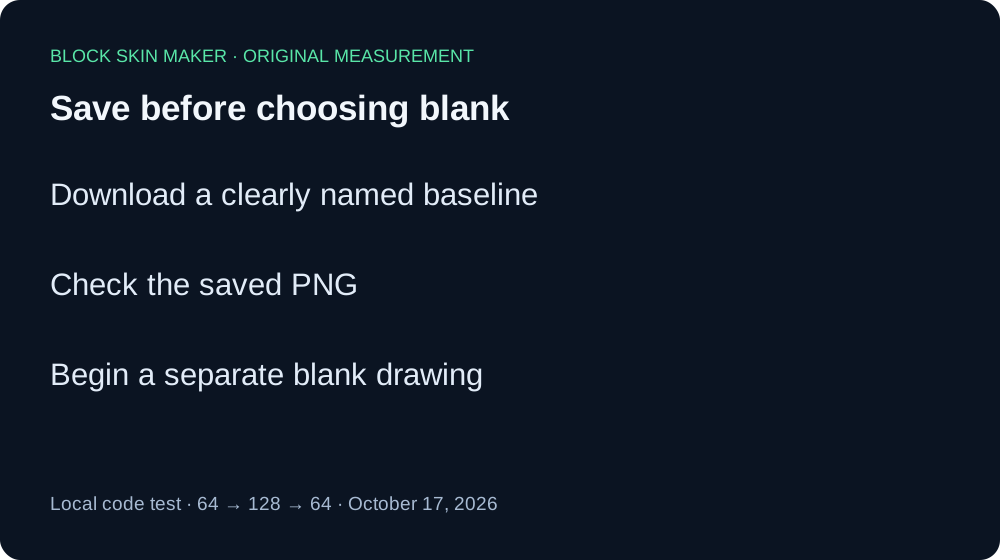
Save your PNG before choosing a new blank size. In our local test of the current editor code, selecting blank 128 after drawing at 64 cleared the pixels and Undo/Redo history. Selecting blank 64 again did not recover them. These buttons start a blank texture; this test does not establish image-resampling behavior.
Five PNGs from an actual local code test
On October 17, 2026, we executed the editor's unmodified production app.js in Node with the real @napi-rs/canvas raster engine. A small DOM/control adapter connected the original event listeners to test controls. The script matched the production file byte for byte before testing. This was a local code execution, not a live Chrome session. The PNGs below were encoded by the native canvas, rather than downloaded through browser UI.
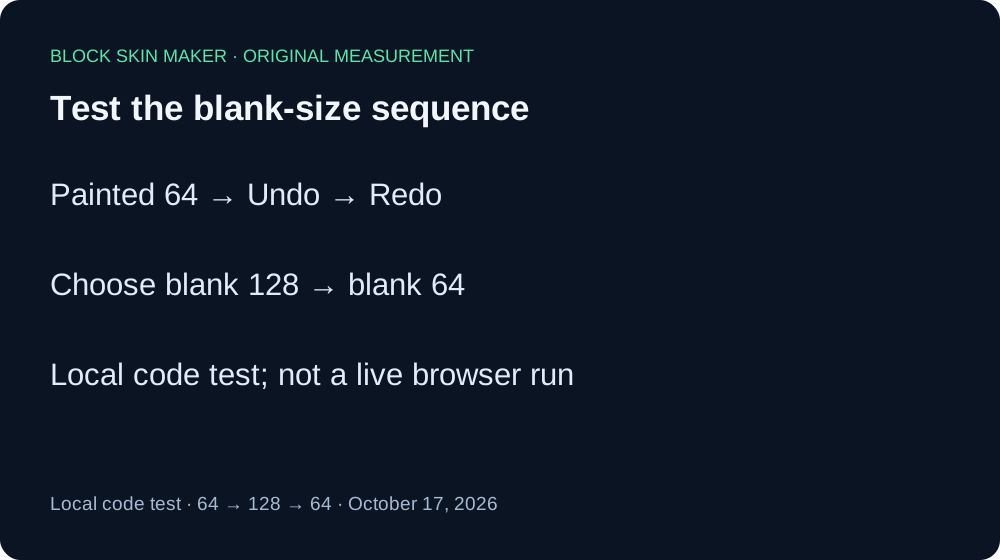
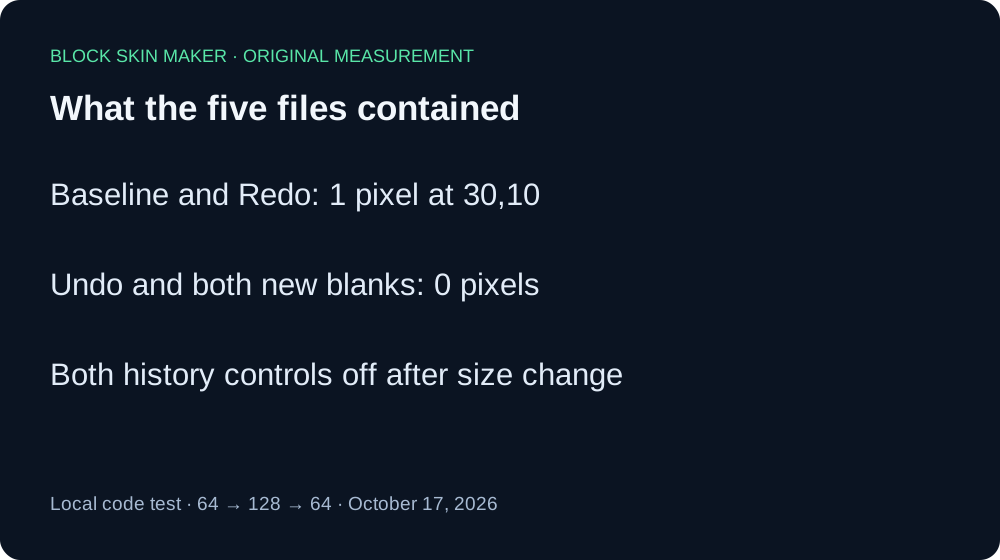
We started with a blank 64×64 canvas, Body, a 1 px Pencil, color #59E6A8, 100% opacity, and Mirror off. The original pointer handler painted at 30,10. The baseline PNG contained one nontransparent pixel, with RGBA 89,230,168,255. Its Undo state was enabled and Redo disabled.
Before changing size, we ran a recovery control. The original Undo handler returned an empty 64×64 image and made Redo available. The original Redo handler restored the point at 30,10. That PNG had exactly the baseline's SHA-256 hash. This control matters: history was functioning in the test setup before the size change.
Next, the original 128 blank-size click listener ran. The resulting PNG was 128×128 and entirely transparent; both history controls were disabled. We then invoked the original 64 blank-size listener. That PNG was also entirely transparent, now 64×64, and both controls remained disabled. Returning to the earlier dimensions did not restore the mark or its history in this sequence.
| Stage | Size | Painted pixels | Undo / Redo |
|---|---|---|---|
| Painted baseline | 64×64 | 1 | On / Off |
| Undo control | 64×64 | 0 | Off / On |
| Redo control | 64×64 | 1 | On / Off |
| Blank 128 | 128×128 | 0 | Off / Off |
| Back to blank 64 | 64×64 | 0 | Off / Off |
Independent PNG decoding confirmed dimensions, alpha counts, and the baseline coordinate. The final blank 64 file was byte-identical to the earlier Undo control. The published evidence record includes hashes, pixels, settings, source hash, and the test method. Files: baseline, Undo, Redo, blank 128, back to 64.




These results concern the current script and this local canvas engine. They do not verify Chrome input routing, browser download encoding, phone layout, importing an existing file, every size combination, or Minecraft rendering. The reproduction script and public editor source let you inspect the sequence.
Keep a version before starting blank
- Download the drawing you want to keep and give the file a clear name.
- Check the saved image before choosing another blank size.
- Treat the new size as a separate drawing session.
- If you need to scale an existing image, use an explicit resizing workflow and verify its output instead of assuming these blank-size buttons preserve it.
Quick answers
Will choosing 64 again bring my drawing back?
It did not in our local sequence. The resulting file was blank and the original history controls were disabled. Keep the baseline PNG outside the editor.
Can I use Undo after switching blank size?
Both history controls were disabled immediately after each tested size switch. That differs from ordinary Undo and Redo during painting.
Is canvas zoom the same as choosing a blank size?
No. The controls address different tasks. Our separate zoom and export guide describes the view-size workflow. Today's experiment specifically invokes the blank-size controls.