MASKED CLICKS & HISTORY
Why Can Undo Leave My Minecraft Skin Unchanged?
An Undo step can restore identical pixels. In our local test, a Pencil click outside the selected Body mask painted nothing but still occupied one history step. The first Undo left the PNG unchanged; the second removed the earlier visible stroke. Inspect the image after each Undo instead of assuming an unchanged picture means the control failed.
Six PNGs distinguish pixels from history
On October 19, 2026, we executed the current production app.js without modifying it. Its bytes matched the live file before publication. A minimal DOM adapter invoked the original pointer and history listeners against a real native canvas engine. These are locally encoded PNGs, not browser downloads, and this experiment does not verify Chrome input or mobile rendering.
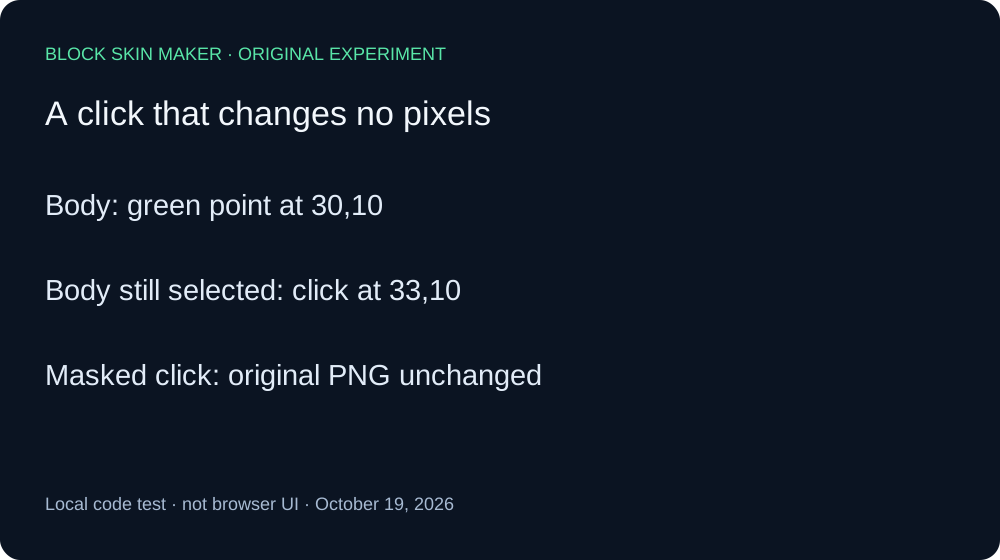
We started with a blank 64×64 texture, Body selected, a one-pixel Pencil, full opacity, and Mirror off. A green stroke at 30,10 created exactly one nontransparent pixel: RGBA 89,230,168,255. Undo was enabled and Redo disabled. We saved this baseline before the next click.
Keeping Body selected, we changed the paint color to orange and clicked 33,10. This coordinate lies outside the selected Body mask in the tested script. The next PNG still contained only the original green point. Its SHA-256 hash exactly matched the baseline: the attempted stroke did not paint an orange point or change the existing one.
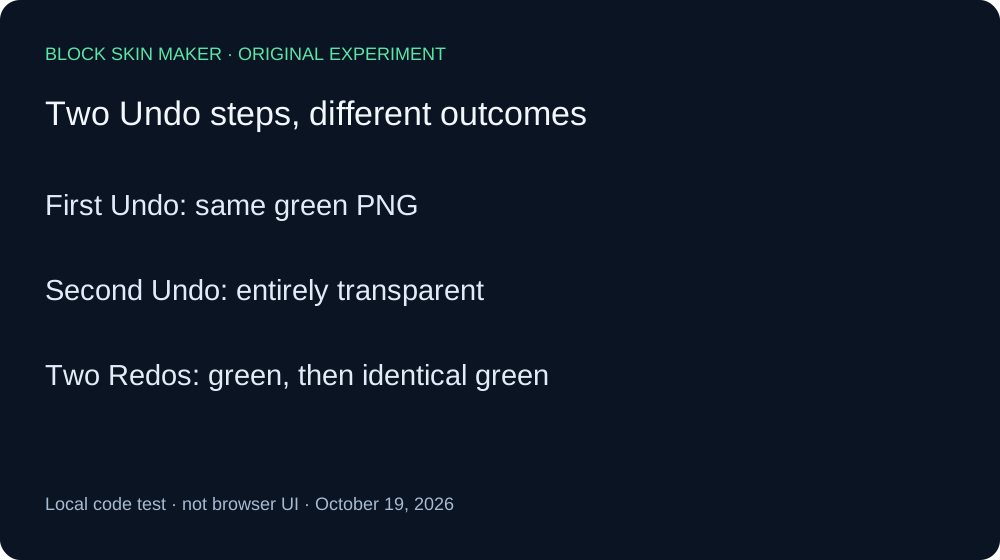
We then invoked Undo once. The resulting file still matched the baseline byte for byte. However, Redo became enabled while Undo remained enabled. A second Undo produced a completely transparent 64×64 PNG and disabled Undo. Thus the first Undo traversed a history state with identical pixels; the second removed the earlier visible green stroke. No browser screenshot interpretation was needed to distinguish these two outcomes.
For a recovery control, we invoked Redo twice. The first Redo restored the green baseline and left Redo enabled. The second produced the same PNG again and disabled Redo. Both files matched the baseline hash. Taken together, the two Undo and two Redo actions show that this masked click occupied a history step despite leaving the image unchanged.
| Stage | Painted pixels | Undo / Redo |
|---|---|---|
| baseline | 1 | On / Off |
| masked-click | 1 | On / Off |
| first-undo | 1 | On / On |
| second-undo | 0 | Off / On |
| first-redo | 1 | On / On |
| second-redo | 1 | On / Off |


Independent Pillow decoding checked dimensions, every nontransparent coordinate, all RGBA values, and file hashes against the raw ledger. Five files contained the same single green pixel; only the second Undo was blank. The measurement record preserves settings, source hash, button states, and PNG hashes. The reproduction script preserves the action order.
This evidence covers one masked one-pixel Pencil click and one local raster engine. It does not establish results for all empty strokes, larger brushes, repeated mouse movement, imported skins, other editors, browser downloads, or Minecraft rendering. An unchanged picture after Undo can have other causes; we measured this specific case.
Review one history step at a time
- Download a baseline before exploring the history.
- Use Undo once, inspect the texture, and note whether Redo becomes available.
- If the picture is unchanged, consider whether the preceding action painted any eligible pixels.
- Use Redo if you want to restore the prior history position before drawing again.
Quick answers
Does this mean Undo is broken?
Not in the measured sequence: the second Undo removed the visible stroke and Redo restored it. The first step contained identical pixels.
Is switching layers the same kind of action?
No such equivalence was tested here. Our layer-selection experiment separately measures three selection changes before Undo.
Will every click outside Body behave this way?
We tested one coordinate, one brush size, and one event sequence. Use the brush-boundary measurements for a separate study of partial brush coverage.