POINTER EVENTS & PIXEL COVERAGE
Does the Pencil Fill Pixels Between Sparse Pointer Events?
Not in this local one-pixel Pencil test. A pointer-down at 8,10 followed by a single move to 15,10 painted only the two endpoints, leaving six transparent pixels between them. Supplying every adjacent coordinate painted all eight pixels. This tests event coverage, not actual mouse speed.
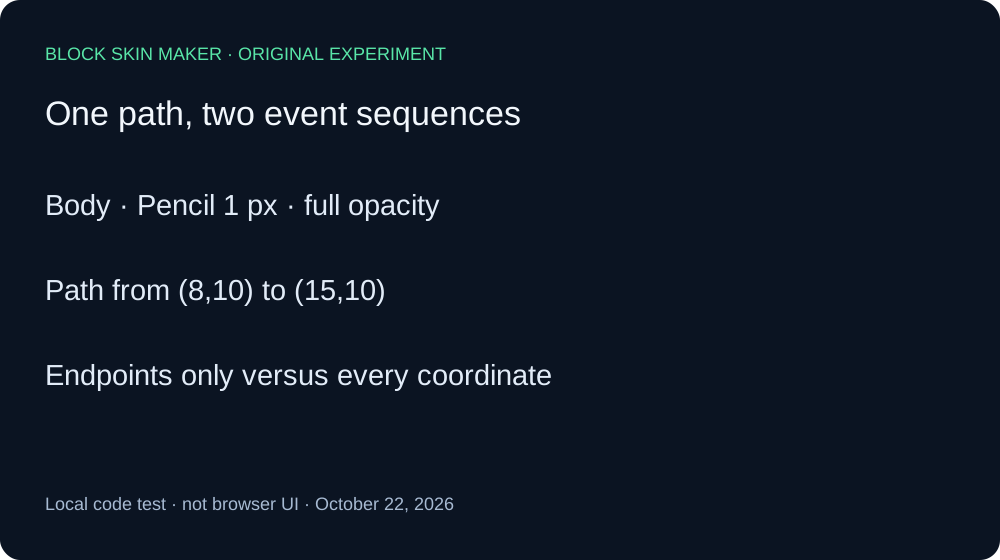
Two event sequences, two coverage patterns
On October 22, 2026, we executed the unmodified production app.js with its original pointer listeners and a real native Canvas engine. A minimal DOM adapter supplied fixed coordinates. We matched the script bytes against the live production file. These are local code experiments, not measurements of a person moving a mouse quickly, a browser sampling events, or a phone processing touch input.
Both arms used a transparent 64 by 64 texture, Body selected, Pencil size one, full opacity, Mirror off, and green #59E6A8. The horizontal path ran from 8,10 to 15,10. Every coordinate along that inclusive range is inside the eligible Body region. The only changed condition was which intermediate pointer-move coordinates reached the original handler.
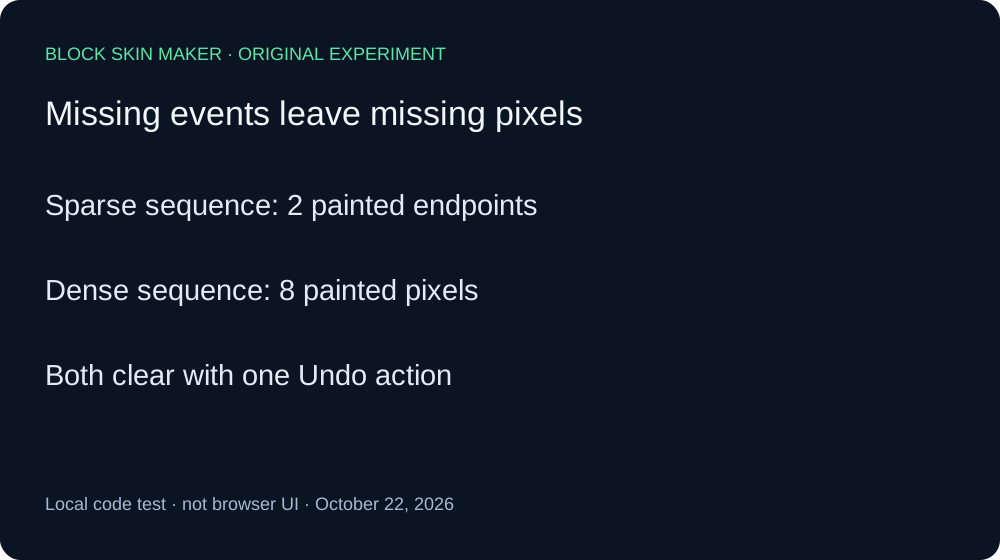
In the sparse arm, we supplied pointer-down at 8,10, one pointer-move at 15,10, then pointer-up. The saved PNG contained exactly two opaque green pixels: the two endpoints. The six positions from 9,10 through 14,10 remained transparent. Thus this specific handler sequence did not interpolate the six unreported positions into a continuous painted line.
One Undo returned the sparse image to blank and disabled Undo. One Redo restored its exact PNG hash. This shows that the two separated points still belonged to one history action in our event sequence; a visual gap did not split the stroke into multiple undoable actions.
We reset with the 64-size blank control before the dense arm. We supplied pointer-down at 8,10 and seven pointer-move events at 9,10 through 15,10, in order, before pointer-up. Its PNG contained all eight opaque green pixels. Each decoded to RGBA 89,230,168,255. The dense control confirms that the missing sparse positions were paintable under the same layer and brush settings.
One Undo also cleared the complete dense arm, and one Redo restored its exact painted PNG. Both arms therefore shared the same one-step Undo behavior while producing different pixel coverage. Eight PNGs preserve the initial blank, sparse painting and history actions, reset blank, and dense painting and history actions.
| Stage | Painted pixels | Undo / Redo enabled |
|---|---|---|
| blank | 0 | Off / Off |
| sparse-painted | 2 | On / Off |
| sparse-undo | 0 | Off / On |
| sparse-redo | 2 | On / Off |
| dense-blank | 0 | Off / Off |
| dense-painted | 8 | On / Off |
| dense-undo | 0 | Off / On |
| dense-redo | 8 | On / Off |


Independent Pillow decoding checked dimensions, coordinates, RGBA values, and SHA-256 hashes against the native Canvas ledger. Read the full event and pixel ledger and reproduction script to inspect the conditions. No elapsed-time or hardware measurements were taken. The result does not establish how often a real browser delivers sparse events, whether slower hand movement fixes a particular issue, or how larger brushes and different tools cover the same path.
Inspect coverage before exporting
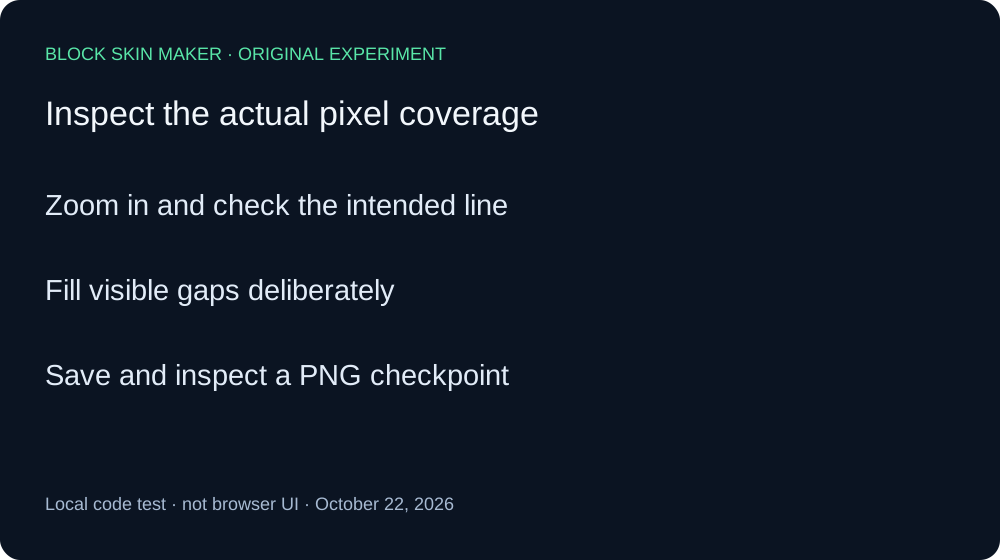
- Zoom in and check the pixels along the intended line.
- Fill a visible gap deliberately rather than assuming the whole segment was painted.
- Save a PNG checkpoint and inspect the result before continuing.
Quick answers
Does this prove fast mouse movement always makes gaps?
No. We supplied coordinates directly and did not measure input speed or browser event delivery.
Were the six missing positions outside Body?
No. The dense control painted all six under the same settings.
Does a gap create an extra Undo step?
Not here: one Undo cleared either arm. The separate drag versus click experiment compares stroke boundaries.