DRAG & CLICK COMPARISON
Does One Drag Use the Same Undo Steps as Four Clicks?
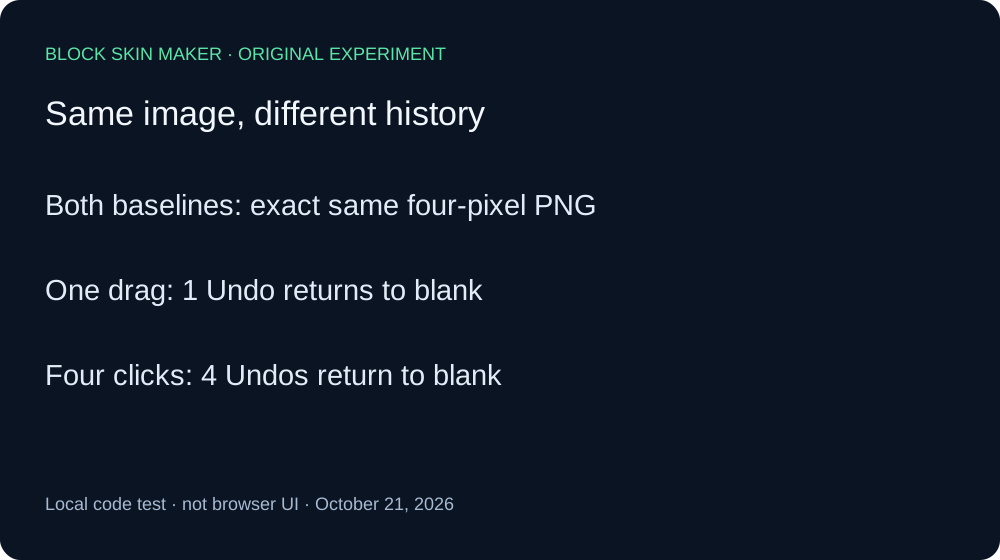
No, in our local test: one drag across four adjacent Body pixels used one Undo step, while four separate clicks at those same points used four steps. Both painted PNGs were byte-identical. Undo grouped the input actions differently even though the finished pixels matched.
Same PNG, different Undo sequence
On October 21, 2026, we ran the unmodified production app.js through its original pointer and history event handlers. A minimal DOM adapter connected those handlers to a real native Canvas engine. We compared the script bytes with the live site before testing. The PNGs were encoded locally; this was not a Chrome, phone, touch-screen, or Minecraft test.
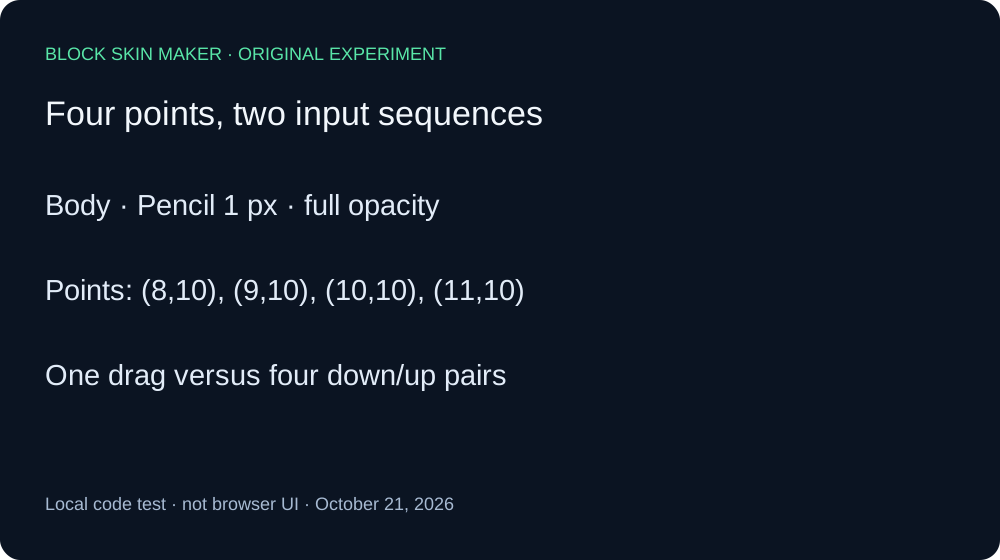
Both arms started with a transparent 64 by 64 canvas, Body selected, Pencil size one, full opacity, Mirror off, and green #59E6A8. The four coordinates were 8,10; 9,10; 10,10; and 11,10. They are adjacent eligible Body pixels. Every painted pixel decoded to RGBA 89,230,168,255, so neither transparency nor a masked position explains the difference.
For the drag arm, we sent one pointer-down event at 8,10, followed by pointer-move events at the next three coordinates, then one pointer-up event. The saved image contained exactly four green pixels. A single Undo removed all four and disabled Undo. One Redo restored the four-pixel PNG with the same SHA-256 hash as the painted baseline.
We then selected the 64-size blank control to start the second arm. Its saved PNG was empty and its Undo control was disabled. For the click arm, each coordinate received a separate pointer-down and pointer-up pair. We saved a PNG after each pair. The counts rose from one to two, three, and four. The final four-pixel PNG was byte-identical to the drag baseline.
The click arm required four Undo actions to reach blank. Saved checkpoints contained three, two, one, and zero green pixels respectively. Undo became disabled only after the fourth action. Four Redo actions then restored one, two, three, and four pixels; the final PNG again matched the same baseline hash. Equal final pixels therefore did not imply equal undoable action groups in these two sequences.
| Stage | Pixels | Undo / Redo enabled |
|---|---|---|
| blank | 0 | Off / Off |
| drag-painted | 4 | On / Off |
| drag-undo | 0 | Off / On |
| drag-redo | 4 | On / Off |
| clicks-blank | 0 | Off / Off |
| click-8 | 1 | On / Off |
| click-9 | 2 | On / Off |
| click-10 | 3 | On / Off |
| click-11 | 4 | On / Off |
| clicks-undo-1 | 3 | On / On |
| clicks-undo-2 | 2 | On / On |
| clicks-undo-3 | 1 | On / On |
| clicks-undo-4 | 0 | Off / On |
| clicks-redo-1 | 1 | On / On |
| clicks-redo-2 | 2 | On / On |
| clicks-redo-3 | 3 | On / On |
| clicks-redo-4 | 4 | On / Off |


We retained seventeen PNGs, including both blank checkpoints, all click edits, both drag history actions, and every click Undo and Redo. Independent Pillow decoding checked dimensions, coordinates, RGBA values, and file hashes against the Canvas ledger. The raw ledger and reproduction script preserve the conditions and event order. This measures adjacent one-pixel movements only. It does not establish behavior for sparse or fast pointer movements, leaving the canvas, switching tools mid-stroke, imports, or mobile gestures.
Make an edit easy to reverse
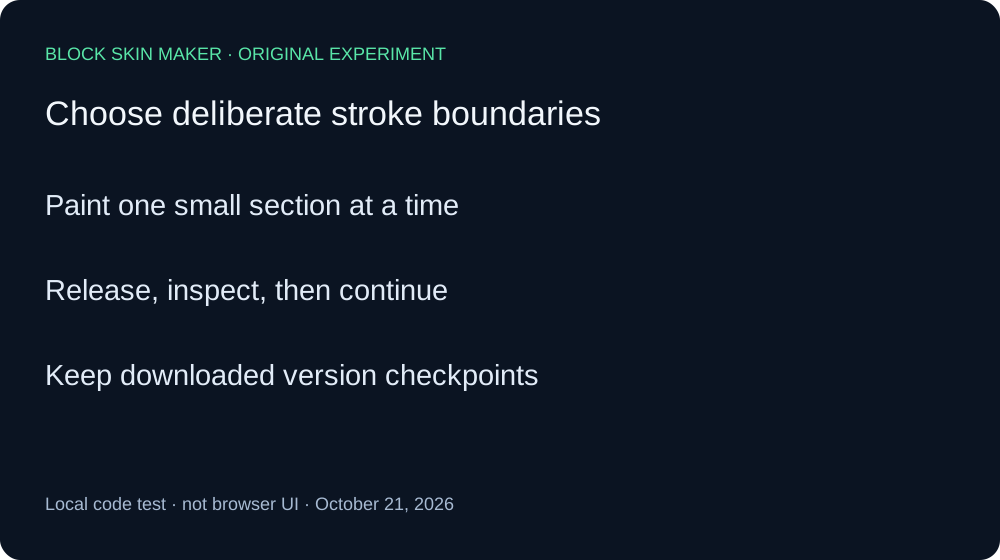
- Use short, deliberate strokes for sections you may want to undo separately.
- Inspect the image after each Undo rather than assuming one action removes one pixel.
- Keep a downloaded checkpoint before a longer editing session.
Quick answers
Does Undo always remove a single pixel?
Our drag removed four at once. Pixel count alone did not predict the number of Undo steps.
Does this prove fast dragging fills every skipped point?
No. We supplied each adjacent coordinate explicitly. Sparse movement and interpolation require a separate experiment.
Can I rely on Undo instead of saving versions?
Keep checkpoints. Our separate 41-stroke history test reached a retained-history limit. This four-point comparison does not replace that result.