PICKER SAMPLING & REDO
Does Using the Color Picker Preserve Redo?
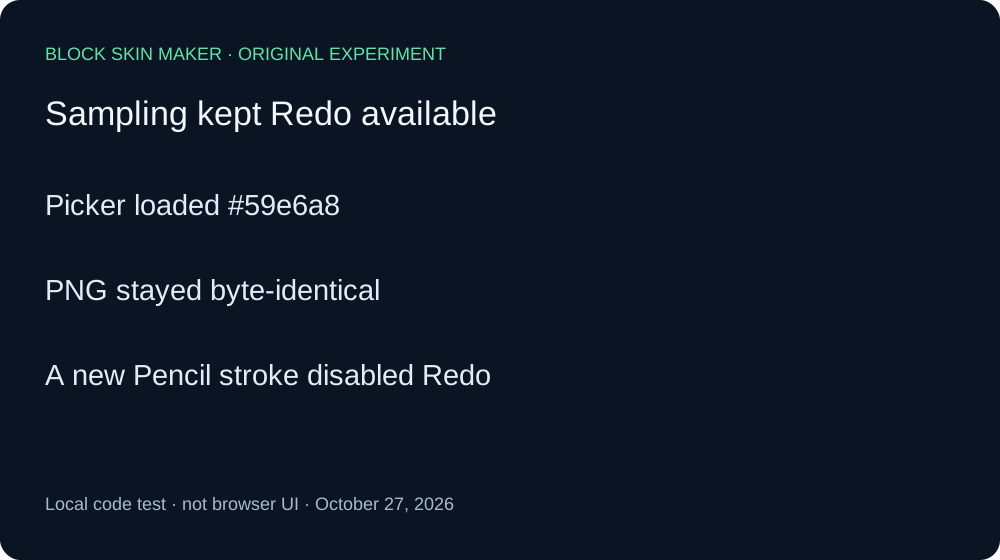
In this local test, sampling an existing opaque green pixel with Picker updated the color control and preserved Redo. A later new Pencil stroke cleared Redo. The sample PNG did not change, and Redo restored the earlier red point with the same file hash.
Sampling and painting compared
On October 27, 2026, we executed the unmodified production app.js with its original pointer, tool-selection, and history handlers. We matched the script bytes against the live site. A minimal DOM adapter connected the listeners to a native Canvas engine. The experiment recorded the color control, PNGs, and history button states; it was not a browser UI test.
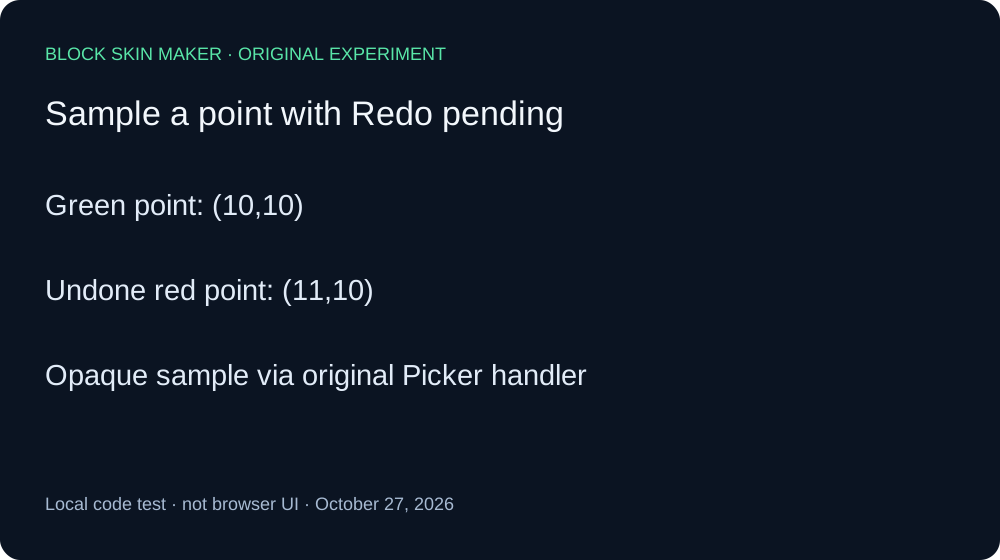
Both arms began on a transparent 64 by 64 canvas with Body selected, Pencil size one, full opacity, Mirror off, and a green #59E6A8 Pencil. A separate stroke painted the green pixel at 10,10. A red #FF0000 Pencil stroke painted 11,10. One Undo returned to the one-pixel green image and made Redo available.
We selected Picker and clicked the existing opaque green point. The picker updated the color control to #59e6a8. The PNG stayed byte-identical to the one-pixel state, and Redo remained available. This positive check demonstrates that the input reached an opaque sample. We did not use a transparent or masked pixel.
Redo then restored the red point at 11,10. Its PNG SHA-256 matched the earlier red-paint checkpoint exactly. This confirms the pending redo state survived both selecting the Picker and sampling the green point in the supplied event sequence.
For a comparison, we used Undo again, then painted a fresh green point at 12,10. That new Pencil stroke left the existing 10,10 point visible and added the new point, but Redo became disabled. This action control shows that a canvas-changing edit clears the redo branch in the same setup where Picker sampling did not.
| Stage | Painted pixels | Undo / Redo enabled |
|---|---|---|
| blank | 0 | Off / Off |
| paint-green | 1 | On / Off |
| paint-red | 2 | On / Off |
| undo-red | 1 | On / On |
| select-picker | 1 | On / On |
| sample-green | 1 | On / On |
| redo-after-sample | 2 | On / Off |
| undo-red-again | 1 | On / On |
| paint-new-after-undo | 2 | On / Off |


Independent Pillow decoding checked all nine PNG dimensions, pixel coordinates, RGBA values, and hashes against the Canvas records. The full ledger records each image and control state; the reproduction script shows the exact sequence. We did not change the production source.
This measures one opaque-pixel sample and one subsequent Pencil edit. It does not establish browser pointer behavior, sampling transparent pixels, clicking outside the canvas, keyboard shortcuts, phone behavior, or the Minecraft game. The color update and Redo result are limited to the tested original handlers and adapter events.
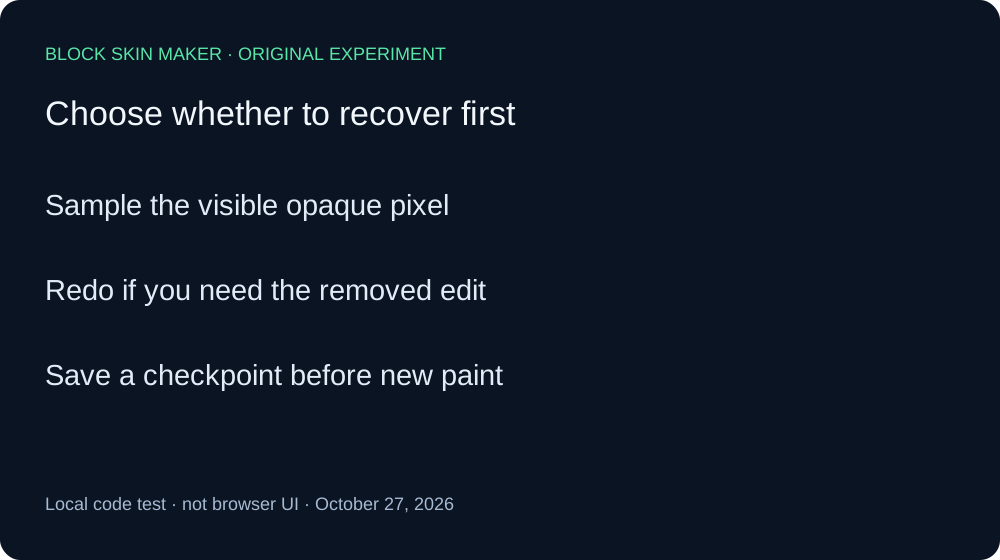
Sample before making a new edit
- Use Picker on a visible opaque pixel to load its color.
- If you need the undone image back, use Redo before painting another change.
- Save a named PNG checkpoint before a longer session.
Quick answers
Did the Picker repaint the sampled pixel?
No. The one-pixel PNG stayed identical while the color control changed.
Was the sampled point transparent?
No. The green point was fully opaque. Transparent sampling was not tested.
Why did Redo later become disabled?
A new Pencil stroke changed the canvas. See the tool selection comparison for another case where selection itself did not alter the image history.