TOOL SELECTION & REDO
Does Switching Pencil and Eraser Remove Redo?
Switching between Pencil and Eraser alone preserved Redo in our local test. Applying Eraser to the blank canvas after Undo disabled Redo, even though the image stayed blank. If you want the earlier image back, use Redo before making another canvas edit.
Tool selection versus applying the tool
On October 26, 2026, we ran the unmodified production app.js through its original tool, pointer, and history handlers. We matched the script with the live production bytes. A minimal DOM adapter connected those listeners to a real native Canvas engine. This local experiment recorded PNGs and button states; it was not a browser, phone, or Minecraft test.
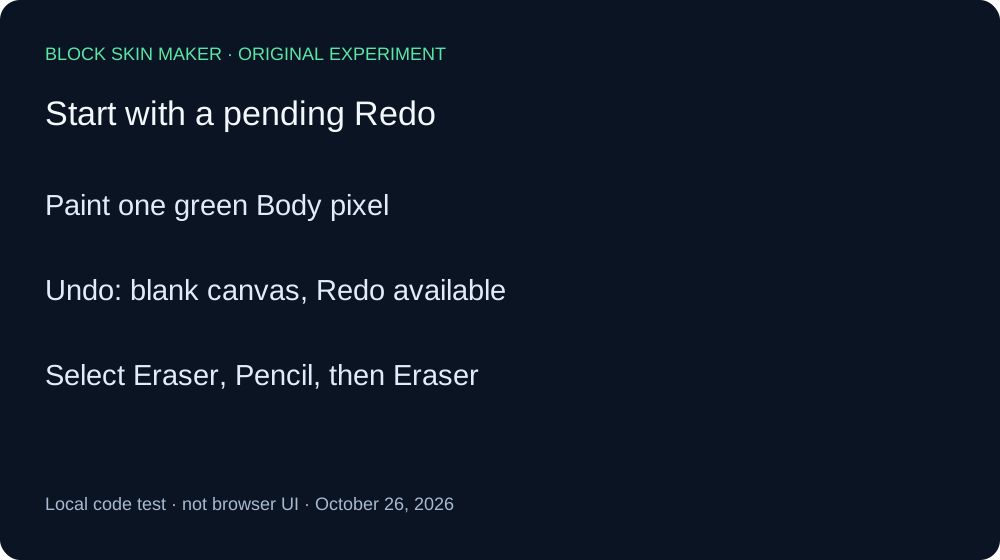
The setup was a transparent 64 by 64 texture, Body selected, Pencil size one, full opacity, Mirror off, and green #59E6A8. A separate pointer-down and pointer-up at 10,10 painted one opaque green pixel. Independent decoding recorded RGBA 89,230,168,255 at that coordinate. Undo removed it and left Redo available.
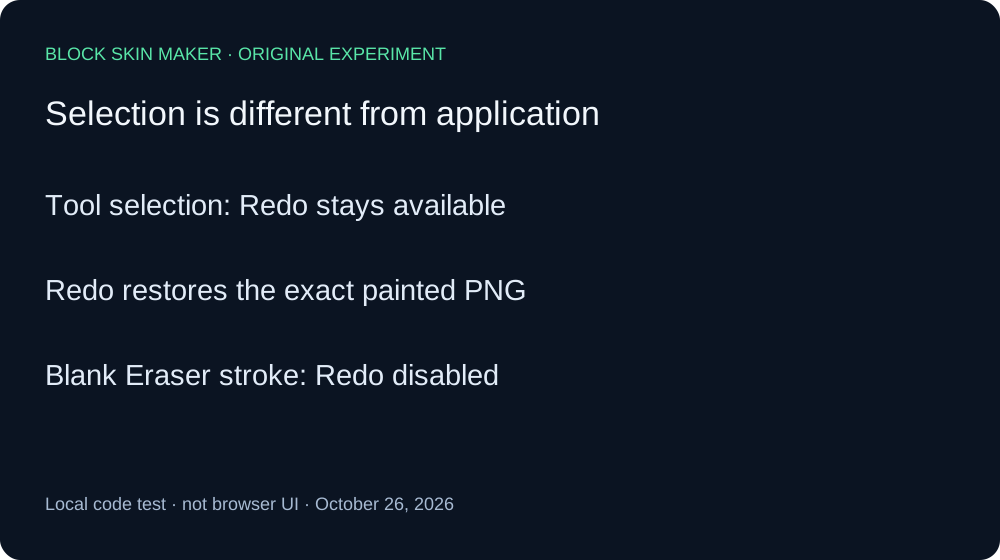
Without touching the canvas, we selected Eraser, then Pencil, then Eraser again through the original tool-control listeners. We saved a PNG and control states after each selection. All three images matched the blank image after Undo byte for byte. Redo remained enabled at every selection checkpoint. Changing the selected tool alone did not discard the pending recovery in this sequence.
We then invoked Redo while Eraser was selected. It restored the original green-pixel PNG with exactly the same SHA-256 hash. This positive recovery check matters: an enabled button alone would not prove that the expected image could still be recovered. The successful restoration verified the content of the retained history state.
Next we invoked Undo again, returning to blank with Redo available. Eraser remained selected. We applied one primary-button stroke at the same eligible coordinate, now transparent. The PNG stayed blank, but Redo became disabled. This separates selecting a tool from applying it: the actual Eraser action discarded the previous Redo branch even though it removed no visible pixel.
Finally, we attempted a click on the disabled Redo control through the adapter. The image remained blank. The adapter ignores disabled-control clicks, so this is a control-state check, not a test of forcing the underlying listener or using an alternative keyboard route.
| Stage | Painted pixels | Undo / Redo enabled |
|---|---|---|
| blank | 0 | Off / Off |
| paint | 1 | On / Off |
| undo | 0 | Off / On |
| select-eraser | 0 | Off / On |
| select-pencil | 0 | Off / On |
| select-eraser-again | 0 | Off / On |
| redo-after-selection | 1 | On / Off |
| undo-again | 0 | Off / On |
| erase-blank | 0 | On / Off |
| redo-disabled | 0 | On / Off |


Independent Pillow decoding checked dimensions, painted coordinates, RGBA values, and file hashes for all ten PNGs against the Canvas record. The raw ledger includes each button state; the reproduction script specifies the action order. The original source was not edited to obtain these outcomes.
The result covers these two tool selections and one blank Eraser stroke. It does not establish behavior for imports, every tool, shortcuts, touch input, or different history implementations. No visible pixel change does not necessarily mean no history change; the image bytes and control states must be considered together.
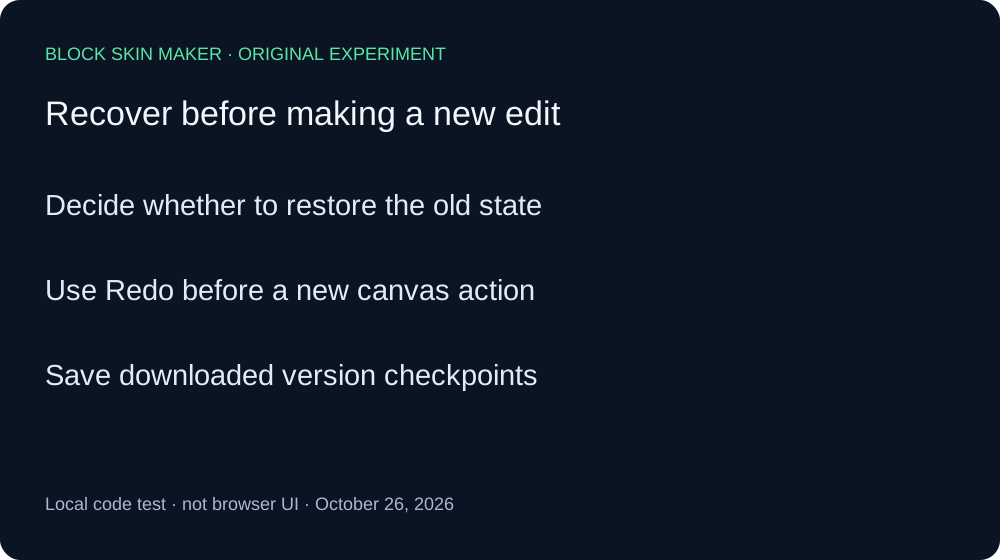
Recover before making another edit
- After Undo, decide whether you want to recover the removed state.
- Use Redo before applying a new canvas action if recovery matters.
- Save a downloaded checkpoint for versions you want to retain.
Quick answers
Can Redo restore paint while Eraser is selected?
It restored our exact green-pixel baseline in this sequence.
Must an action change visible pixels to remove Redo?
No. The blank Eraser stroke left identical image bytes but disabled Redo.
Does this replace the new-stroke test?
The new-stroke guide covers another history case. Here we specifically separated tool selection from application.