MIRROR & LAYER MASKS
Why Does Mirror Paint Only One Side of My Minecraft Skin?
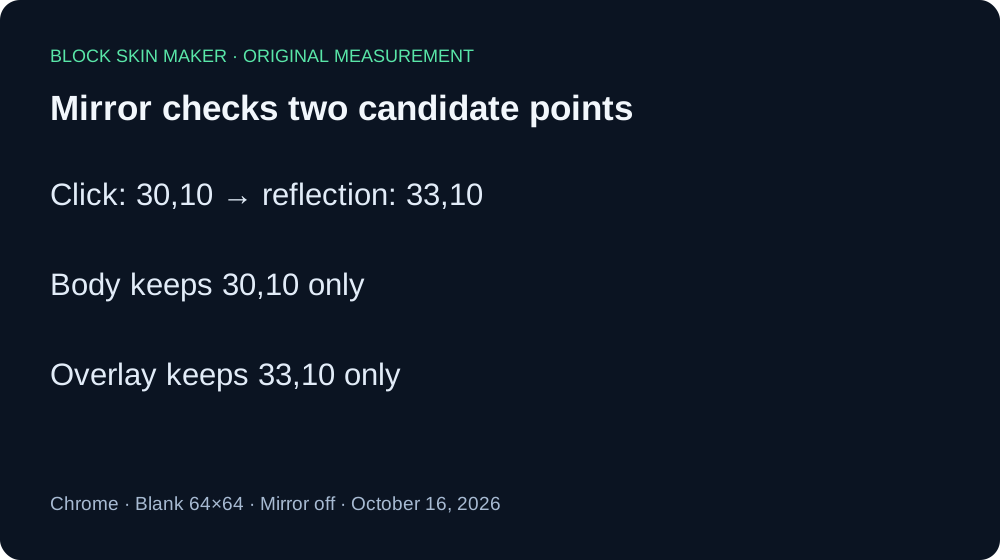
Mirror stroke can leave just one painted point because each candidate pixel must belong to the selected layer. In our 64×64 test at 30,10, Body saved only 30,10 with Mirror on. Overlay saved only its reflected point, 33,10. Mirror copies across the flat texture; it does not bypass the layer mask.
One click, four actual PNG downloads
We tested the live editor in Chrome on October 16, 2026. Every sample started from a fresh blank 64×64 texture. We selected Pencil, a 1 px brush, #59E6A8, and 100% opacity. Each file followed one click at coordinate 30,10. We tested Body and Overlay separately with Mirror stroke off and on.
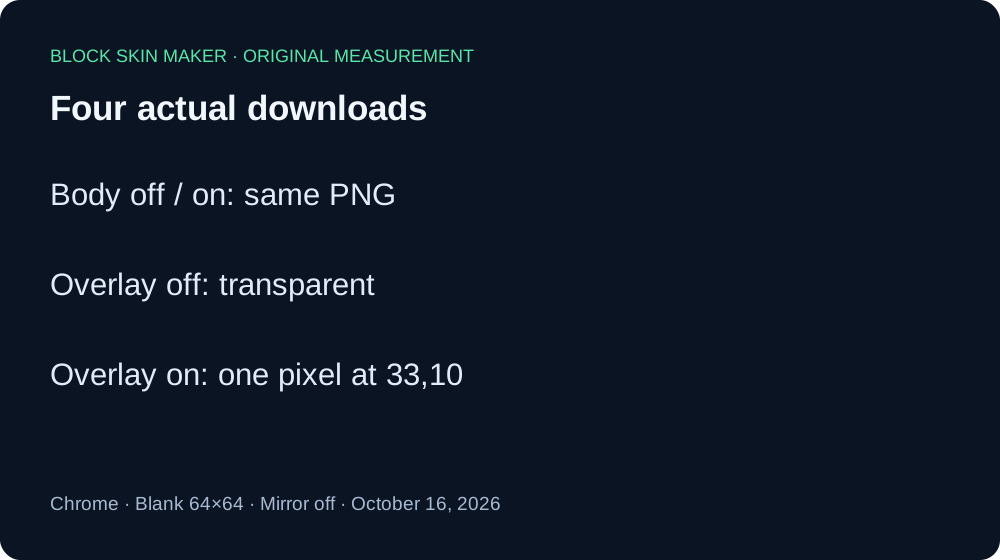
On Body with Mirror off, the downloaded PNG contained exactly one nontransparent pixel, at 30,10. With Mirror on, the Body download still contained just that same pixel. The two files had identical SHA-256 hashes. Enabling Mirror did not add the reflected point at 33,10 to Body in this test.
On Overlay with Mirror off, the downloaded PNG was entirely transparent. With Mirror on, the download instead contained exactly one nontransparent pixel at 33,10. The clicked location 30,10 remained transparent. This is the useful surprise: a click whose direct point is outside the selected mask can still paint its valid mirrored point.
| Layer | Mirror | Saved pixels |
|---|---|---|
| Body | Off | 30,10 only |
| Body | On | 30,10 only |
| Overlay | Off | None |
| Overlay | On | 33,10 only |
All four exports retained 64×64 dimensions. Every painted pixel decoded to RGBA 89,230,168,255. We measured nontransparent pixels from the exported files, rather than inferring them from the checkerboard. The reflected coordinate agrees with 63 minus 30, which equals 33. At row 10, those two positions fall into different selected-layer regions in this editor.
The public editor script creates the original and reflected candidate points, then checks their pixels against the active layer independently. That order is consistent with the Overlay result. Mirror does not switch the active layer or override its mask. This evidence covers one coordinate in one Chrome session, not dragging, larger brushes, imported skins, other resolutions, other editors, or game rendering.
Download the originals: Body off · Body on · Overlay off · Overlay on. The measurement record includes decoded coordinates, colors, dimensions and complete hashes.


Check a one-sided mark safely
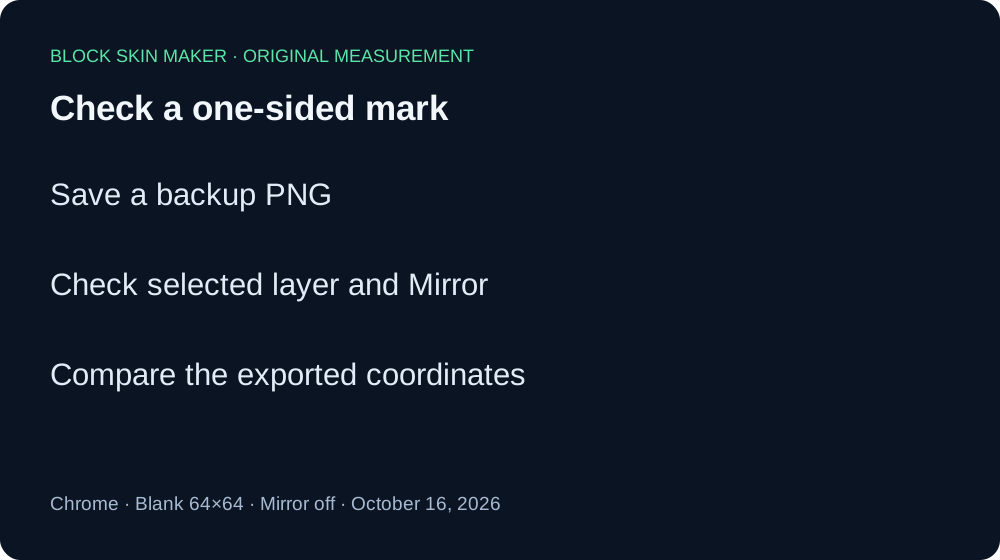
- Download a backup of the current texture.
- Confirm whether Mirror stroke is checked and which layer is selected.
- Reduce the brush to 1 px and use a blank sample if you need to isolate a single point.
- Inspect both the clicked coordinate and its reflected coordinate in the exported PNG.
- Undo an unwanted stroke before continuing. Switch layer intentionally rather than painting repeatedly.
Quick answers
Does Mirror change Body to Overlay?
No. In this test, each pass kept only its own permitted point. Choose the pass deliberately. Read Body versus Overlay for the basic layer distinction.
Does a mirrored dot mean both sides of the character match?
This experiment measures reflection across the flat PNG width. It does not verify the skin on a 3D model or inside Minecraft. Check the intended texture regions separately before assuming a visually symmetric character.
Can a larger brush also make a partial mark?
Yes, our separate large-brush boundary test measured clipped footprints with Mirror off. Keep those brush-size results distinct from today's 1 px Mirror experiment.