COLOR CHANGES & UNDO
Does Changing Color Split a Pencil Stroke into Two Undo Steps?
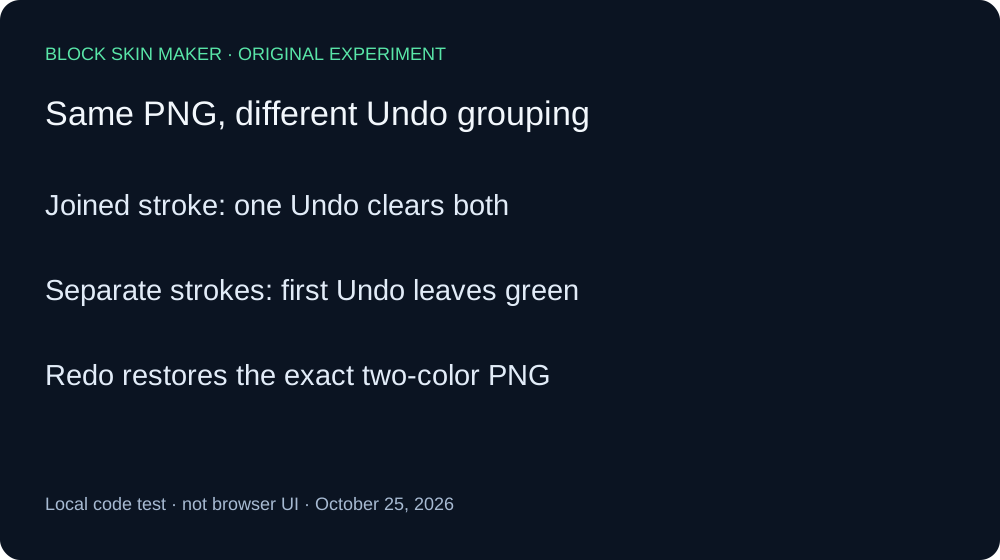
Not by itself in this local code test. Changing the color value between pointer-down and pointer-move kept both colored pixels in one Undo step. Ending the first stroke and starting another produced two steps, even though the final PNG was identical. Browser color-picker interaction was not tested.
Two colors with and without a stroke boundary
On October 25, 2026, we ran the unmodified production app.js with its original pointer and history handlers on a native Canvas engine. We matched the script against the live file. A minimal DOM adapter assigned the color control value between events. This was a local state-transition experiment, not an attempt to operate a browser color picker while holding a mouse button.
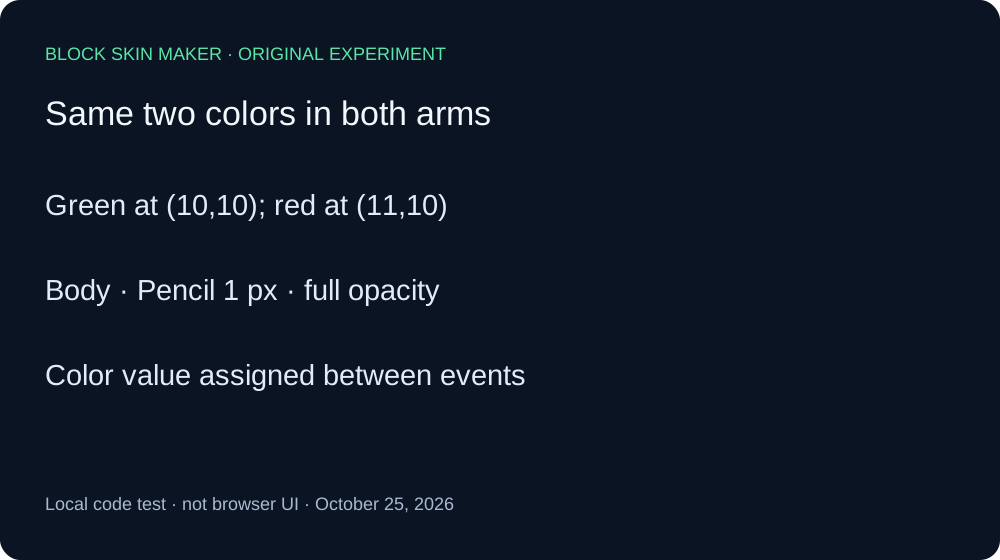
Both arms started transparent at 64 by 64, with Body selected, Pencil size one, full opacity, and Mirror off. The first point was 10,10 in green #59E6A8. The second was 11,10 in red #FF0000. We kept the coordinates, colors, and painting order fixed; only the presence of an intervening pointer-up and new pointer-down changed.
In the joined arm, pointer-down painted the green point. We then assigned red to the color control, sent pointer-move at the second coordinate, and ended with pointer-up. The resulting PNG contained two opaque pixels: RGBA 89,230,168,255 at 10,10 and RGBA 255,0,0,255 at 11,10. A single Undo removed both. Redo restored the exact two-color PNG hash.
In the separate arm, we ended the green stroke with pointer-up before assigning red. A fresh pointer-down and pointer-up painted the red point. Its completed PNG was byte-identical to the joined-arm image. One Undo removed only the red point and left the original green point. A second Undo returned the image to blank. Two Redos rebuilt green first, then the identical two-color baseline.
These controls distinguish image content from history grouping. The two final images matched exactly, yet one required one Undo to reach blank and the other required two. Merely assigning a different color value between the supplied events did not create a separate history boundary in the joined arm. Introducing a separate pointer-down after release did.
| Stage | Painted pixels | Undo / Redo enabled |
|---|---|---|
| joined-blank | 0 | Off / Off |
| joined-green | 1 | On / Off |
| joined-two-colors | 2 | On / Off |
| joined-undo-1 | 0 | Off / On |
| joined-restored | 2 | On / Off |
| separate-blank | 0 | Off / Off |
| separate-green | 1 | On / Off |
| separate-two-colors | 2 | On / Off |
| separate-undo-1 | 1 | On / On |
| separate-undo-2 | 0 | Off / On |
| separate-redo-1 | 1 | On / On |
| separate-restored | 2 | On / Off |


Independent Pillow decoding checked all twelve PNG dimensions, coordinates, RGBA values, and SHA-256 hashes against the Canvas ledger. The raw record includes settings and action descriptions. The reproduction script shows where the control value changes relative to the pointer events. The assigned color value is part of the experimental input, not a modification of production source.
No browser UI, native color dialog, keyboard shortcut, mobile gesture, or game rendering was tested. A real interaction might end the stroke before the color changes; this experiment does not determine that behavior. The measured conclusion is limited to the supplied event sequences and their recorded pixels and Undo states.
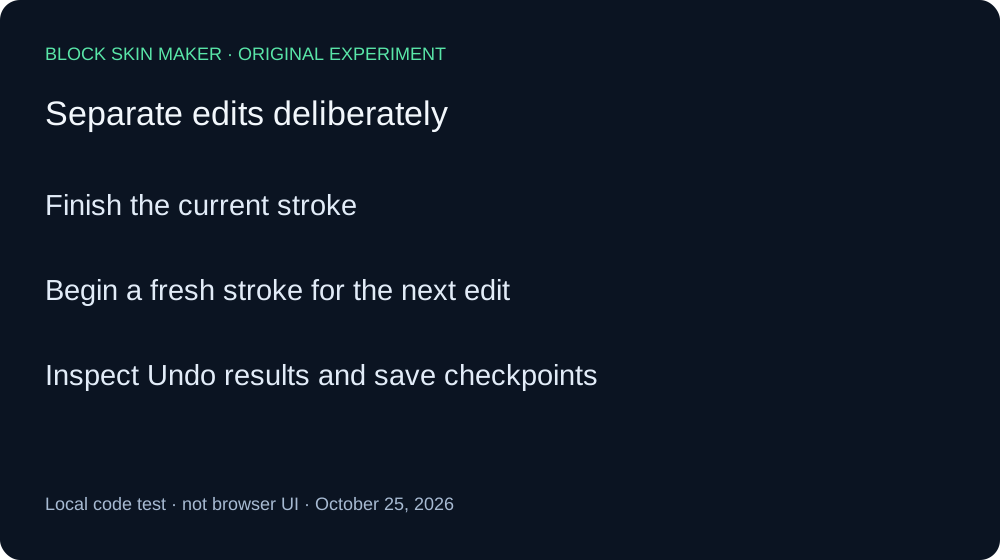
Make separate edits explicit
- Finish the current stroke before preparing a distinct edit.
- Begin a fresh stroke for a section you want to undo independently.
- Check each Undo result and save important checkpoints.
Quick answers
Did changing the color repaint the first point?
No. The green point stayed green; red was applied at the next coordinate.
Can I operate the color dialog during a drag?
That UI action was not tested. The adapter assigned a value directly.
How does this relate to ordinary strokes?
The drag versus click comparison tests fixed-color inputs. This experiment adds a controlled color-state change.