POINTER BUTTONS & ERASER
Does Right-Click Erase Pixels in This Minecraft Skin Maker?
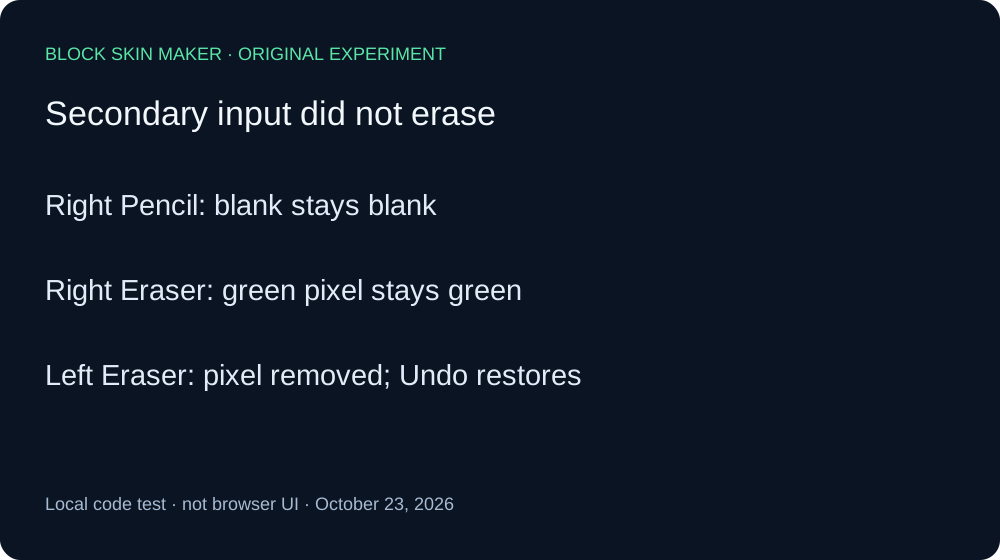
In this local test, secondary-button input did not erase pixels. It was ignored with Pencil selected and with Eraser selected. Choose Eraser and use primary-button input: that removed the test pixel, and Undo recovered it. This is a code-level input test, not a browser-menu test.
Primary and secondary button events compared
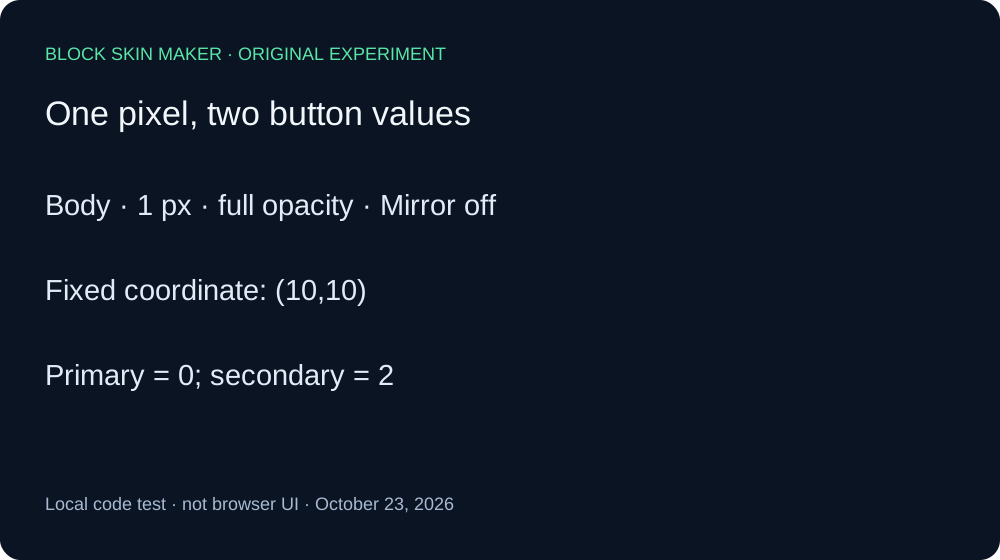
On October 23, 2026, we executed the unmodified production app.js with its original pointer and history listeners. We compared the script bytes with the live file first. A minimal DOM adapter supplied pointer events to a real native Canvas engine. The experiment distinguishes button values zero and two; it does not operate a physical mouse or measure a browser context menu.
The setup was a transparent 64 by 64 canvas, Body selected, one-pixel brush, full opacity, Mirror off, and green #59E6A8. Every input targeted the same eligible pixel at 10,10. Each simulated click consisted of a pointer-down carrying the chosen button value followed by pointer-up. This kept the coordinate, brush, layer, and gesture boundaries fixed.
With Pencil selected, the secondary-button event, button two, left the blank PNG byte-identical to its starting file. Undo remained disabled. A primary-button event, button zero, then painted one opaque green pixel. Independent decoding recorded RGBA 89,230,168,255. This positive control demonstrated that the chosen coordinate could be painted under the stated settings.
We selected Eraser using its original tool-control listener. A secondary-button event on the green pixel left the PNG byte-identical to the painted baseline. The pixel stayed opaque. To check whether that ignored-looking event had added a history step, we invoked Undo once. It removed the preceding Pencil edit immediately and returned the canvas to blank. Redo restored the exact green-pixel baseline.
With Eraser still selected, a primary-button event removed the pixel. The resulting PNG had no nontransparent pixels. A single Undo recovered the original opaque green pixel and matched its baseline file hash. This second positive control confirmed that the selected Eraser worked at the coordinate when given the primary-button input.
| Stage | Painted pixels | Undo / Redo enabled |
|---|---|---|
| blank | 0 | Off / Off |
| right-pencil | 0 | Off / Off |
| left-pencil | 1 | On / Off |
| right-eraser | 1 | On / Off |
| undo-after-right | 0 | Off / On |
| redo-paint | 1 | On / Off |
| left-eraser | 0 | On / Off |
| undo-erase | 1 | On / On |


The eight PNGs preserve the blank, both Pencil inputs, secondary Eraser input, the first Undo and Redo, primary Eraser input, and recovery. Independent Pillow decoding checked dimensions, coordinates, RGBA values, and SHA-256 hashes against the native Canvas ledger. The full record includes every control state; the reproduction script shows the event order.
These findings apply to the supplied button-property sequences in the tested production script. They do not describe browser menus, operating-system mouse remapping, accessibility software, pen buttons, touch gestures, or every Minecraft editor. Tool selection and primary-button input succeeded here; secondary-button input did not serve as an erase shortcut in either tested tool state.
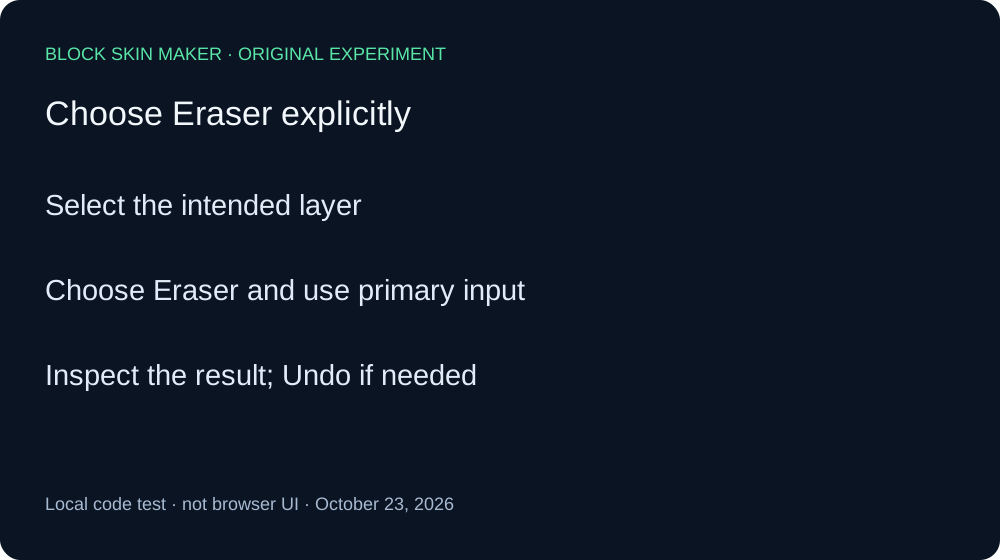
Use the explicit Eraser tool
- Select the layer containing the pixel you want to remove.
- Choose Eraser and apply primary-button input to the pixel.
- Inspect the result and use Undo if you removed the wrong pixel.
Quick answers
Did the right-button event add an invisible Undo step?
Not in this sequence. One Undo after it removed the earlier Pencil edit directly.
Does every skin editor use the same mouse shortcuts?
This test covers this production script only. Check the controls of the editor you use.
Did we verify the browser context menu?
No. No browser was operated. For another erase control, see Eraser versus Clear Layer.